
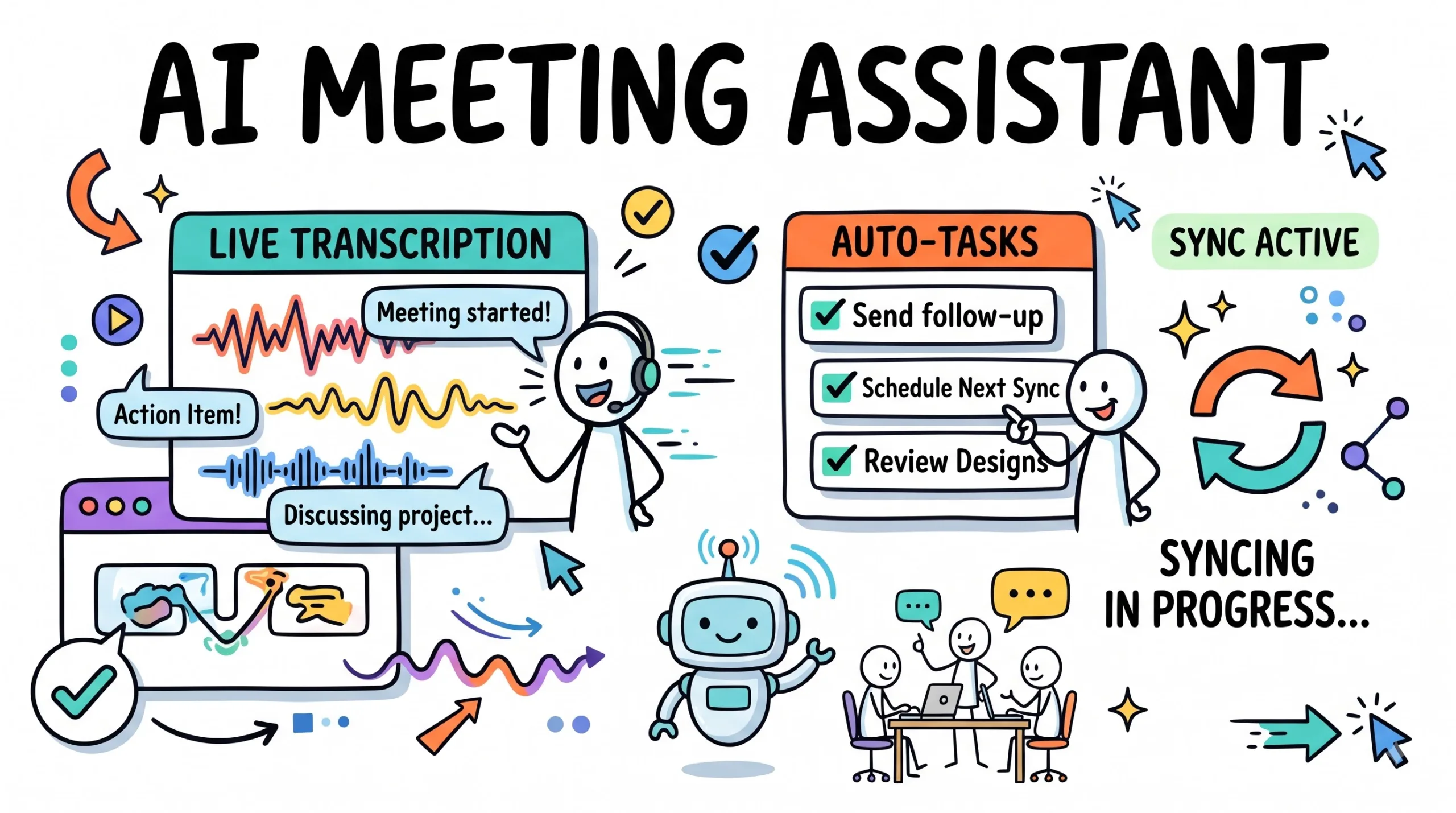
Discover the best AI meeting assistants to transcribe calls, summarize discussions, and push action items to your project tools effortlessly today.
Best AI Meeting Assistants to Automate Notes & Tasks
Transform chaotic calls into structured summaries and push tasks directly to your project management tools instantly.
Quick Summary: AI Meeting Assistants
AI meeting assistants have fundamentally changed how remote teams capture discussions, transcribe calls, and execute follow-up workflows. Instead of manually typing notes during fast-paced Zoom or Google Meet sessions, specialized artificial intelligence tools record audio, parse speaker diarization, generate concise summaries, and automatically sync actionable tasks directly into project management platforms like Notion, Trello, and Asana. This comprehensive guide evaluates the leading software options, explores core features, highlights workflow benefits for modern organizations, and provides an actionable blueprint to streamline your daily meeting productivity in 2026.
What Is an AI Meeting Assistant & How It Works
An AI meeting assistant is a software application designed to join virtual and in-person conferences, record audio streams, transcribe spoken dialog into searchable text, and extract key action items using advanced natural language processing. By leveraging speech-to-text models and large language reasoning, these systems eliminate the cognitive load of manual note-taking. Participants can focus entirely on active listening, strategic brainstorming, and critical decision-making without worrying about missing important project details.
The underlying architecture combines automatic speech recognition (ASR) with diarization—the process of partitioning an audio stream into homogeneous segments corresponding to individual speakers. Once the transcript is generated, transformer-based language models analyze the semantic context, categorize decisions, filter out conversational filler, and structure clean bulleted summaries ready for immediate review and distribution.
Why Modern Teams Automate Meeting Notes in 2026
The modern workplace across the United States, United Kingdom, Canada, and Australia relies heavily on hybrid collaboration and distributed engineering squads. Meetings happen continuously across Zoom, Microsoft Teams, and Google Meet. Without automated transcription, valuable insights vanish into unindexed video recordings that team members rarely revisit.
Automating meeting workflows delivers immense compounding value. It bridges communication gaps across asynchronous time zones, ensures complete accountability by logging explicit task assignments, and builds a searchable organizational knowledge base. Teams that adopt these tools experience significantly shorter meeting durations, clearer project milestones, and higher overall operational velocity.
Core Capabilities & System Architecture
When evaluating meeting automation software, understanding the technical components helps distinguish basic voice recorders from enterprise-grade productivity engines. The right platform must seamlessly integrate into existing calendar systems and push structured data where your team already works.
Advanced Speech-to-Text Processing
State-of-the-art models handle multi-accent English and regional industry terminology effortlessly, identifying distinct speakers and time-stamping every utterance.
- Real-time diarization distinguishing up to 10 simultaneous speakers
- Custom vocabulary additions for proprietary product names and acronyms
- Noise suppression filtering background audio interference
Context-Aware Summarization
Transformer networks distill hour-long discussions into concise executive summaries, highlighting core decisions, open questions, and agreed-upon deliverables.
- Structured bullet points categorized by project department
- Sentiment and tone analysis for client feedback sessions
- Key decision extraction separated from general brainstorming
Project Tool Task Automation
Direct API connectors push assigned action items, deadlines, and owners straight into external project tracking boards without manual data entry.
- Instant synchronization with Jira, Trello, Asana, and Notion
- Automatic assignment of due dates based on spoken commitments
- Status tracking updates linked back to meeting transcripts
Enterprise Privacy & Compliance
Robust data governance ensures sensitive client conversations and proprietary business strategies remain protected under strict compliance frameworks.
- End-to-end encryption for stored audio and transcript files
- SOC 2 Type II and GDPR compliance standards
- Configurable data retention policies and deletion controls
Top AI Transcription and Summarizer Platforms Compared
The market offers diverse solutions tailored to different organizational needs, ranging from lightweight browser extensions to enterprise-wide virtual bot recorders.
Fireflies.ai
A veteran bot-based recorder that automatically joins web conferences across all major platforms, offering robust CRM and project board integrations.
Otter.ai
Known for lightning-fast live transcription, automated slide capture, and collaborative team workspace annotation features.
Fathom
A popular freemium desktop app providing instant call summaries, high-fidelity video clip sharing, and seamless CRM syncing.
Step-by-Step Implementation Guide for Remote Teams
Deploying AI meeting assistants successfully requires a structured rollout plan. Follow these proven phases to maximize adoption and workflow efficiency across your organization.
- Audit Your Meeting Stack: Review your current calendar software and video conferencing tools (Zoom, Google Meet, Microsoft Teams) to verify compatibility with desired AI assistants.
- Define Privacy Guidelines: Establish clear internal policies regarding client consent, recording notifications, and data storage boundaries before activating automated bots.
- Select and Connect Software: Choose your primary meeting assistant platform and authenticate secure API connections to your team’s task trackers like Notion or Jira.
- Configure Custom Vocabulary: Input industry-specific terminology, brand names, and product acronyms into the AI engine to minimize transcription errors.
- Run Pilot Test Calls: Conduct internal test meetings with a small team to verify that transcripts, summaries, and task pushes function as expected.
- Train Team Members: Host a brief walkthrough session showing staff how to access transcripts, review action items, and edit automated summaries.
- Refine and Scale: Monitor workflow adoption metrics, gather user feedback, and expand automated note-taking across all client and internal project syncs.
🚀 Supercharge Your Digital Productivity Today
Explore professional e-books, printable planners, and automated resource collections designed to elevate your business workflow.
Feature Matrix of Leading Meeting Automation Tools
Compare the key attributes of top AI meeting assistants to determine which platform aligns best with your team’s operational requirements.
| Platform | Primary Strength | Integrations | Pricing Tier |
|---|---|---|---|
| Fireflies.ai | Universal Bot Recorder | Slack, Salesforce, Notion | Freemium / Paid |
| Otter.ai | Live Transcription & Search | Zoom, Google Meet, Dropbox | Freemium / Paid |
| Fathom | Fast Video Clipping & CRM Sync | HubSpot, Salesforce, Slack | Free / Pro Plans |
| Granola | Notepad-First AI Enrichment | Mac App, Markdown Export | Subscription |
Note: Always verify current feature sets and pricing directly on official vendor websites as software capabilities and subscription models evolve continuously.
Common Mistakes to Avoid When Deploying Meeting AI
Implementing automated transcription without proper safeguards can lead to communication breakdowns and privacy concerns. Avoid these frequent missteps during your rollout:
- Failing to Notify Participants: Always announce at the start of a call that an AI bot is recording and transcribing the conversation to maintain legal compliance and transparency.
- Skipping Human Review: Relying 100% on automated task assignments without a quick sanity check can result in misallocated deliverables and missed project nuances.
- Ignoring Security Compliance: Using unverified tools for confidential financial or legal discussions risks exposing sensitive company intellectual property.
- Overloading Team Dashboards: Pushing every minor conversational mention into your project tracker creates digital clutter; configure filters to sync only explicit action items.
- Neglecting Custom Dictionaries: Leaving industry jargon unconfigured causes repetitive transcription errors that degrade the quality of downstream summaries.
Frequently Asked Questions
How accurate are AI meeting assistants at transcribing complex technical conversations?
Is it legal to record and transcribe virtual meetings using AI bots?
Can AI meeting assistants integrate directly with project management tools?
Do these tools work with in-person meetings as well as virtual calls?
How do AI meeting tools handle data privacy and confidential information?
What is speaker diarization and why does it matter for meeting notes?
Test Your Meeting Automation Knowledge
1. What is the primary function of speaker diarization in AI meeting assistants?
- Compressing video file sizes for faster uploading
- Separating and identifying distinct speakers in an audio stream
- Translating foreign languages into English text
2. Why is configuring custom vocabulary important when using transcription software?
- It reduces spelling errors for brand names and industry acronyms
- It automatically schedules follow-up meetings on your calendar
- It decreases the monthly subscription fee
3. Which protocol is essential before recording client calls with an AI bot?
- Disabling all video cameras
- Informing participants and securing necessary consent
- Exporting transcripts into PDF format
4. How do automated task sync features improve team productivity?
- By automatically pushing extracted action items into project boards
- By eliminating the need to ever attend meetings in person
- By generating automated financial spreadsheets
5. What type of artificial intelligence model typically powers meeting summarization?
- Image segmentation neural networks
- Transformer-based large language models
- Audio frequency modulation filters
6. Which compliance standard is commonly expected for enterprise-grade data security?
- SOC 2 Type II compliance
- HTML5 web validation
- Bluetooth SIG certification
7. What is a key benefit of reviewing transcripts instead of watching full video recordings?
- Text searchability allows rapid navigation to specific discussion points
- Videos consume zero storage space
- Transcripts remove all background noise entirely
8. How do AI assistants handle conversational filler words like “um” and “ah”?
- They amplify them to highlight speaker nervousness
- They filter and clean them out during summary generation
- They convert them into formal task assignments
9. Can AI meeting tools assist with in-person boardroom discussions?
- No, they only function inside virtual browser windows
- Yes, via mobile apps and tabletop recording hardware
- Only if connected to a physical printer
10. What is the recommended best practice after an AI bot generates action items?
- Delete the transcript immediately without review
- Perform a quick human check to verify owners and deadlines
- Email the raw audio file to all company stakeholders
Your First 48 Hours With AI Meeting Assistants
Implementing meeting automation successfully starts with a focused pilot project. Test one platform on your upcoming team sync to experience instant transcription and seamless task synchronization firsthand.
- Select Your Tool: Choose one leading AI meeting assistant and install its browser extension or calendar bot connector.
- Run a Test Call: Schedule a 15-minute internal sync, record the audio, and review the generated transcript and summary.
- Sync a Task: Test pushing a single action item directly into your project board to verify automated workflow integration.
✨ Ready to Elevate Your Workflow?
Discover professional digital resources, templates, and guides at Digital Idea Tool.
Disclaimer & Compliance Note
Affiliate disclosure: This article contains affiliate links through which we may earn a commission at no additional cost to you. We partner with trusted platforms to support our independent educational content.
No guarantee: The tools, strategies, and workflow tips presented are for informational and educational purposes only. We make no guarantees regarding specific productivity outcomes, time savings, or financial results. Readers should independently evaluate tools against their organizational needs.
AI use & hosting: This content was crafted with AI assistance and thoroughly reviewed by human editors for quality and accuracy. For reliable web infrastructure and hosting solutions, explore Hostinger. Contact support@digitalideatool.com with any questions.
Please Note – Disclaimer
The content, news, topics, and ideas presented on this platform are collected and compiled from various websites, online sources, and digital platforms.
We do not guarantee the accuracy, authenticity, completeness, or reliability of any information, news, or sources mentioned.
Readers are strongly encouraged to independently verify all facts, claims, sources, and information through trusted and official channels before relying on or acting upon them.
This content is provided for general informational and educational purposes only.
✓ Reader Reminder: Always verify important information using trusted, authoritative, and official sources before making decisions or taking action.
📝 Key Takeaways & Action Notes
Jot down insights, next steps, or thoughts from this post. Your notes save automatically in your browser.
- What is the #1 breakthrough insight you took away today?
- What is one concrete action you will take in the next 24 hours?
- What questions or ideas do you want to research further?
Stay ahead with exclusive updates
Join our community. Get curated industry trends, actionable guides, and fresh resources delivered straight to your inbox.