
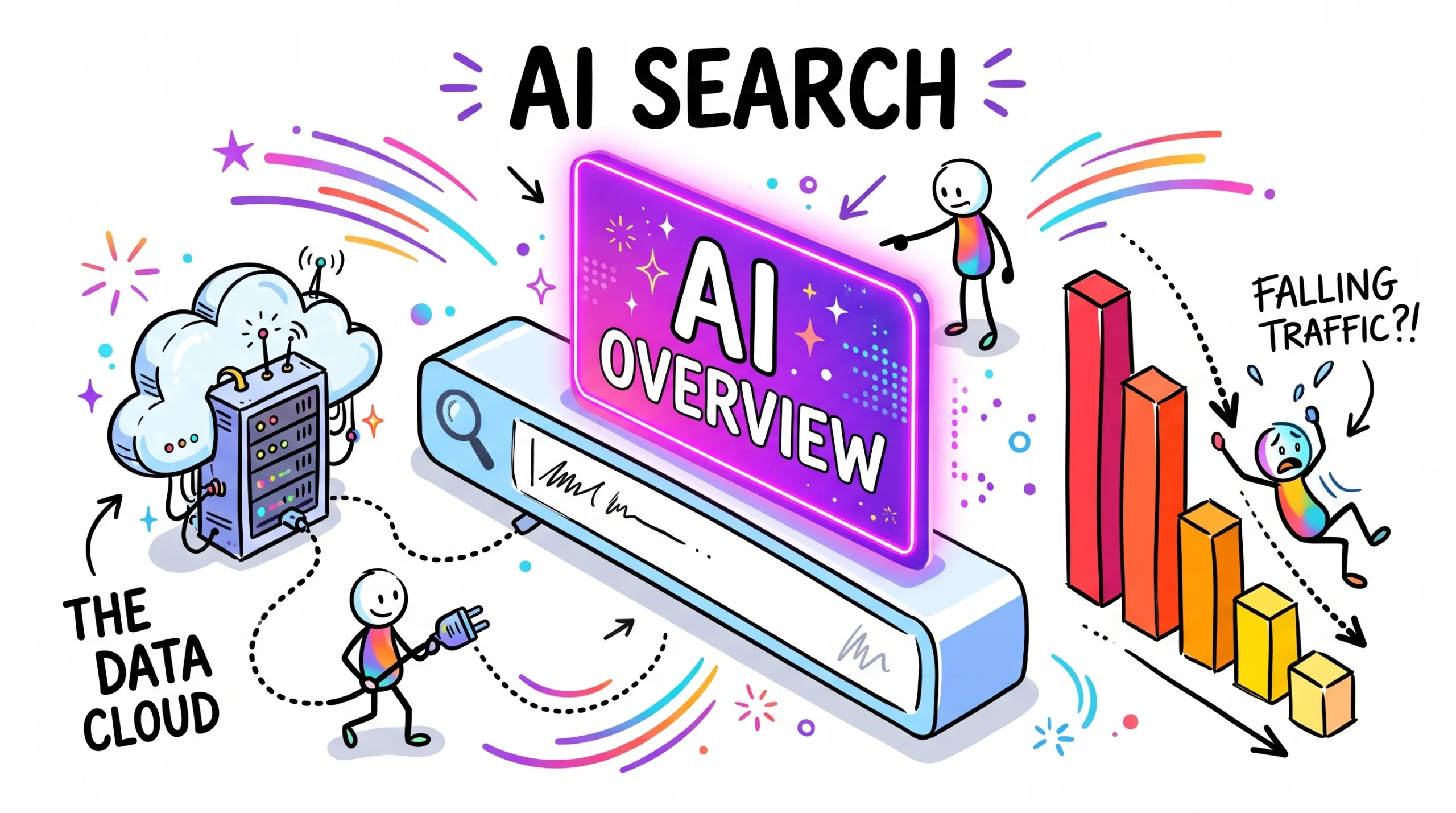
Google AI Overviews are changing website traffic in 2026. Learn why clicks drop, how AI Mode works, and 7 steps to protect your organic traffic today
Google AI Overviews Are Rewriting Your Traffic
Why clicks are shifting in 2026, and the simple moves that keep your site visible, trusted and visited.
Quick Summary: Google AI Overviews
Google AI Overviews are the AI-written answer boxes that now sit at the top of many search results, and they are a big reason website traffic looks different in 2026. Instead of showing a list of links first, Google often writes a short summary, cites a few sources, and invites people to ask follow-up questions in AI Mode. That means many searchers get their answer without visiting any site. Simple “what is” posts and quick how-to pages tend to feel this most. Pages with real experience, original examples, tools, products, or local services usually hold up better. In this guide, you will learn what AI Overviews are, why traffic is shifting this year, who feels it most, and the warning signs to look for in Google Search Console. You will also get a 7-step action plan, a side-by-side comparison of classic search and AI search, common mistakes, FAQs, and a quick quiz. Build pages Google wants to cite and people want to click, so your site stays visible and useful even when fewer searches end in a visit.
What Are Google AI Overviews?
Google AI Overviews are short, AI-generated answers that appear at the top of many Google search results. Google’s Gemini models pull information from across the web, write a quick summary, and show links to some of the sources used. For many simple questions, the overview is the first thing a searcher sees.
Think of it like a friend who reads five articles for you and tells you the main points. But it also means they may not need to open any of those five articles.
AI Overviews are different from AI Mode. An AI Overview is a box inside the normal results page. AI Mode is a separate, chat-style search where people ask follow-up questions and keep the conversation going. Many users jump from an overview into AI Mode when they want more detail.
Here is what makes AI Overviews matter for site owners:
Why Zero-Click Searches Are Growing in 2026
For years, the deal was simple. You wrote a helpful page, Google ranked it, and people clicked. In 2026, that deal has changed for many searches.
When an AI summary answers the question right on the results page, fewer people need to click. This is called a zero-click search. Independent research, including a 2025 browsing study by Pew Research Center, found that people were less likely to click a result when an AI summary appeared.
Three things are pushing this shift this year:
- Wider coverage. AI Overviews show up for more kinds of queries, not just simple facts.
- Longer questions. People type full, chat-style questions because they expect a real answer back.
- AI Mode growth. More searchers continue into AI Mode, where clicks out to websites tend to be rarer.
There is good news too. Google says it wants to keep sending people to the web, and in 2026 it announced changes that show more direct links, article suggestions, and source previews inside AI answers. Many site owners also notice that visitors who do click from AI results are more ready to read, sign up, or buy, because they already understand the basics.
So the real change is not “traffic is dead.” It is that easy, generic clicks are shrinking, while deep, trusted, hands-on content still earns visits.
Who Feels the Organic Traffic Drop Most?
The impact is not the same for every site. Tap each tab to see how it plays out for your type of business.
How Google AI Overviews Hit Info Blogs
Informational blogs feel the change first, because their pages answer exactly the kind of questions AI summaries handle well.
- Short “what is” and definition posts tend to lose the most clicks.
- Basic listicles that repeat common advice are easy to summarize.
- Personal reviews, tests, and case studies still earn visits.
- Posts with templates, checklists, or downloads give readers a reason to click.
Online Stores and Product Pages
Shoppers still need to see prices, photos, and checkout pages, so stores are often less exposed. Research-stage content is the weak spot.
- “Best X for Y” buying guides may lose early-stage clicks.
- Product pages with clear specs and honest reviews stay valuable.
- Accurate product data in Google Merchant Center supports shopping visibility.
- Real photos and fair comparisons build trust a summary can’t copy.
Local Businesses and Services
People searching for a plumber, dentist, or café usually want to call, visit, or book. That action still happens away from the results page.
- Keep your Google Business Profile complete and up to date.
- Ask happy customers for honest reviews.
- Add service areas, hours, and real photos to your site.
- Answer common local questions on your service pages.
Creators and Digital Product Sellers
If you sell ebooks, templates, courses, or printables, an AI answer can describe your topic but cannot deliver your product.
- Turn popular posts into free lead magnets to grow an email list.
- Show previews and real results from your product.
- Build a brand name people search for directly.
- Share content on YouTube, Pinterest, and newsletters too.
6 Signs AI Overviews Are Affecting Your Organic Traffic
Open Google Search Console and compare the last three months with the same period last year. Watch for these patterns.
Impressions Up, Clicks Down
Your pages appear more often, but fewer people click. This often means an AI answer above you already satisfies the search.
Lower CTR at Top Spots
A page still ranks in the top three, yet its click-through rate falls. The AI box above it is likely pulling attention away.
“What Is” Posts Slipping
Definition and quick-answer posts lose visits first. Long, detailed guides and hands-on reviews usually hold steadier.
Longer Search Queries
Your query report shows more full-sentence questions. People now search the way they talk to an AI assistant.
More Brand Searches
Searches for your site name rise. People saw you cited in an AI answer, then came looking for you directly.
Better Visitor Quality
Fewer visits, but longer time on page and more sign-ups or sales. The people who click are often further along in their decision.
7-Step AI Overview SEO Plan to Protect Your Traffic
You cannot switch AI Overviews off for your niche. You can make your site the one worth citing and worth clicking. Work through these steps in order.
- Audit Search Console: List your top 20 pages by clicks from last year. Compare clicks, impressions, and CTR with this year. Mark pages where impressions held but clicks fell.
- Search like your reader: Google your main keywords in a private window. Note which ones show an AI Overview, which sources it cites, and what the summary leaves out. That gap is your opportunity.
- Add real experience: Share what only you can: screenshots, test results, mistakes you made, and photos you took. Google’s people-first guidance values first-hand experience, and no summary can copy your real story.
- Answer fast, then go deeper: Put a clear two- or three-sentence answer right under each main heading. Then add the details, examples, and edge cases a summary can’t fit. Quick answers help citations; depth earns the click.
- Make pages easy to cite: Use descriptive headings, short paragraphs, lists, and tables. Show the author’s name, experience, and an updated date. Clean structure helps both readers and search systems understand your page.
- Give a reason to click: Add something a summary can’t hand over, such as a checklist, template, calculator, comparison chart, or free download. Offer value that lives only on your page.
- Build traffic you own: Grow an email list, post on YouTube or Pinterest, and join communities where your readers hang out. If search shifts again, you still have a direct line to your audience.
🚀 Turn Your Know-How Into Clickable Assets
Templates, checklists, and toolkits give readers a reason to visit your site that no AI summary can replace.
Classic Search vs AI Overviews vs AI Mode
| Feature | Classic Results | AI Overviews | AI Mode |
|---|---|---|---|
| What users see | A ranked list of links | AI summary on top, links below | Chat-style answer with follow-ups |
| Click chance | Highest | Lower for simple questions | Usually lowest |
| Best content | Strong, relevant pages | Clear answers plus depth | Trusted, detailed sources |
| What to track | Rankings and clicks | Impressions, CTR, citations | Brand searches, visitor quality |
| How to win | SEO basics | Experience + structure | Authority + unique value |
Google updates these features often. Clicks and impressions from AI features have been counted within the standard Web search report in Search Console, so check Google’s help pages for the latest reporting options.
Common Mistakes to Avoid With AI Search Traffic
- Panic-deleting old posts: A page losing clicks may still earn citations and trust. Fix: update, merge, and improve thin posts instead of removing them.
- Writing for robots: Keyword stuffing and unedited AI text hurt trust. Fix: write for one real reader with one real problem.
- Only tracking clicks: Value often shows up elsewhere first. Fix: also watch impressions, brand searches, sign-ups, and sales.
- Blocking crawlers without a plan: Blocking Googlebot can remove your pages from Search entirely. Fix: learn what each crawler rule does before editing robots.txt.
- Copying what AI already says: If your page repeats the summary, nobody needs to click. Fix: add tests, opinions, and original examples.
- Relying on one traffic source: Fix: start an email list and one social channel this quarter.
Google AI Overviews FAQ: What People Ask
Are Google AI Overviews killing website traffic?
Can I stop my site from appearing in AI Overviews?
How do I get my site cited in AI Overviews?
What is the difference between AI Overviews and AI Mode?
Does Google Search Console show AI Overview traffic?
Is SEO still worth it in 2026?
Which content types are safest from AI Overviews?
Should I use AI to write my blog posts?
Quick Quiz: Test Your AI Search Know-How
1. Where do Google AI Overviews usually appear?
- At the bottom of page two
- At the top of many search results
- Only inside Gmail
2. What is a zero-click search?
- A search that ends without a website visit
- A search with no results
- A paid ad click
3. Which content is most exposed to AI summaries?
- Booking pages
- Simple “what is” posts
- Checkout pages
4. Which Google feature lets users ask chat-style follow-up questions?
- Google Maps
- AI Mode
- Google Trends
5. Which Search Console pattern may signal AI Overview impact?
- Impressions up, clicks down
- Zero impressions overnight
- More crawl errors
6. What helps a page stand out from an AI summary?
- Keyword stuffing
- First-hand experience and original examples
- Longer meta tags
7. What should go right under a main heading?
- A clear two- or three-sentence answer
- A large ad block
- A long personal intro
8. Which of these is a traffic source you own?
- An email list
- A trending hashtag
- A competitor’s blog
9. What can blocking Googlebot in robots.txt do?
- Boost your rankings
- Remove your pages from Google Search
- Add more AI citations
10. Which metrics matter alongside clicks in 2026?
- Brand searches and conversions
- Word count only
- Number of fonts used
Google AI Overviews: Your 3-Move Traffic Plan for This Week
You do not need to rebuild your whole site. Start small, measure honestly, and improve the pages that matter most. One focused week shows you where AI search is helping, where it is hurting, and what to fix next.
Do this today:
- Open Search Console: Find five pages with steady impressions but falling clicks.
- Search your top keyword: Note what the AI Overview says and what it misses.
- Upgrade one page: Add a real example, a quick-answer paragraph, and a free checklist.
✨ Give Your Content a Fast, Reliable Home
Quick-loading pages and helpful digital tools give visitors more reasons to stay.
Disclaimer & Compliance Note
Affiliate disclosure: This post contains affiliate links, including Gumroad and Hostinger. If you buy through them, we may earn a small commission at no extra cost to you.
No guarantee: This guide is for educational purposes only. It does not promise rankings, traffic, or earnings, and results vary by site. Google features, policies, and reporting tools change often, so always check Google’s official Search Central documentation and each provider’s site for current details and pricing.
AI use: This article was created with AI assistance and reviewed and edited by a human for accuracy and clarity. Spotted an error or have a question? Contact support@digitalideatool.com.
Please Note – Disclaimer
The content, news, topics, and ideas presented on this platform are collected and compiled from various websites, online sources, and digital platforms.
We do not guarantee the accuracy, authenticity, completeness, or reliability of any information, news, or sources mentioned.
Readers are strongly encouraged to independently verify all facts, claims, sources, and information through trusted and official channels before relying on or acting upon them.
This content is provided for general informational and educational purposes only.
✓ Reader Reminder: Always verify important information using trusted, authoritative, and official sources before making decisions or taking action.
📝 Key Takeaways & Action Notes
Jot down insights, next steps, or thoughts from this post. Your notes save automatically in your browser.
- What is the #1 breakthrough insight you took away today?
- What is one concrete action you will take in the next 24 hours?
- What questions or ideas do you want to research further?
Stay ahead with exclusive updates
Join our community. Get curated industry trends, actionable guides, and fresh resources delivered straight to your inbox.