
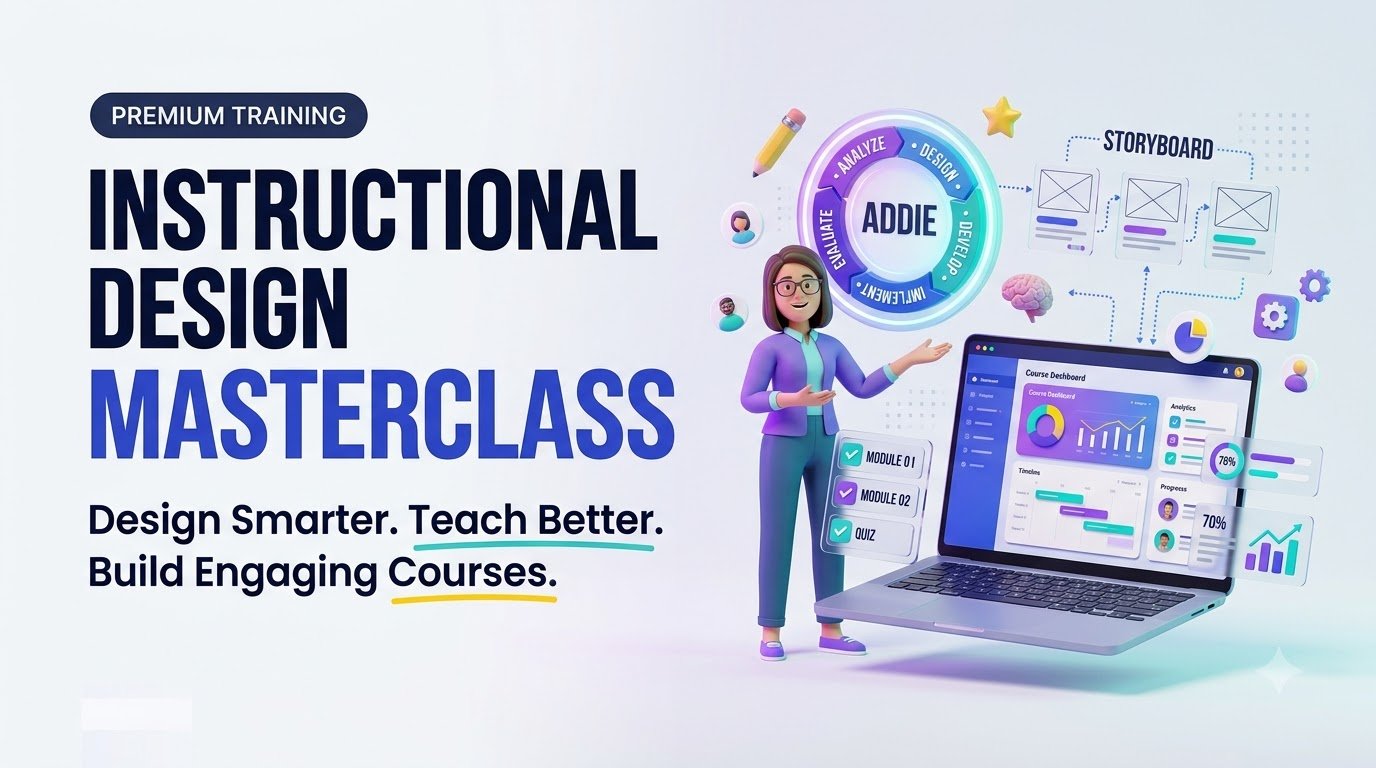
Master instructional design in 2026. Learn ADDIE, eLearning development, learning objectives, AI tools, portfolio skills, and course design strategies.
Instructional Design Masterclass: Build Learning Experiences That Actually Work
Learn the foundations of instructional design, from ADDIE and measurable learning outcomes to interactive eLearning, accessibility, assessments, and a portfolio you can proudly share.
For US educators, corporate trainers, aspiring instructional designers, course creators, and learning teams.
Imagine launching an online course that people finish—and can use the very next day. Not a slideshow that sits untouched, not a 60-minute video that learners forget, but a focused learning experience that helps someone perform a task with confidence. That difference is the heart of instructional design.
An instructional design masterclass teaches you to move beyond collecting information and start designing learning. Whether you want to shift careers, improve employee onboarding, design a professional eLearning program, or sell a thoughtful online course, the principles apply: understand the learner, define the outcome, create meaningful practice, and measure what changes.
What Is Instructional Design—and Why Does It Matter?
Instructional design is the intentional process of developing learning experiences that support defined knowledge, skills, or behaviors. An instructional designer works backward from what a learner must do, rather than forward from what an expert wants to say.
Consider an organization with repeated customer-service mistakes. A conventional response might be to schedule another presentation. An instructional designer first checks why the mistakes occur. Are procedures unclear? Does the software cause confusion? Is feedback absent? If the issue truly involves a skill gap, the designer might build brief scenario practice, a job aid, and coaching prompts. If the issue is a broken process, training alone may not solve it.
This problem-first approach makes instructional design valuable in corporate learning and development, higher education, healthcare training, nonprofit education, customer enablement, and online course businesses.
Instructional Design Career Opportunities in the United States
The US Bureau of Labor Statistics reports a $69,280 median annual wage in May 2025 for the broader occupation of training and development specialists, and projects 11% employment growth from 2025 to 2035. These figures are not an instructional-designer-only salary estimate and do not guarantee individual earnings. Actual opportunities vary by region, seniority, sector, portfolio, and role. Review BLS occupation data.
Common job titles to research include instructional designer, eLearning developer, learning experience designer (LXD), corporate trainer, curriculum designer, and learning and development specialist. Job descriptions overlap, but some roles emphasize analysis and pedagogy while others emphasize visual production or technical development.
Inside a Practical Instructional Design Masterclass
A strong course should connect theory to finished deliverables. Use this roadmap to judge any program you are considering—or organize your own self-paced study.
| Module | What You Learn | Portfolio Deliverable |
|---|---|---|
| 1. Diagnose | Performance gaps, learner interviews, constraints | One-page needs analysis |
| 2. Set objectives | Observable verbs, Bloom’s taxonomy, success criteria | Outcome and assessment map |
| 3. Blueprint | ADDIE, storyboards, content sequencing | Course storyboard |
| 4. Build | Authoring tools, multimedia, interaction design | Working microlearning lesson |
| 5. Include | Universal Design for Learning, WCAG, plain language | Accessibility review checklist |
| 6. Measure | Formative checks, performance assessments, iteration | Evaluation and revision plan |
| 7. Present | Case studies, project rationale, reflection | Shareable portfolio case study |
Understand the ADDIE Model Without Making It a Rigid Checklist
ADDIE stands for Analysis, Design, Development, Implementation, and Evaluation. The Association for Talent Development describes it as a foundational instructional systems design framework. Effective designers move between phases as evidence emerges, rather than treating it as an inflexible waterfall. Explore ATD’s explanation.
01 — Analysis
Identify the performance problem, learners, prior knowledge, environment, and constraints. Ask what success looks like before choosing a format.
02 — Design
Choose observable objectives, relevant practice activities, assessment methods, course flow, and feedback opportunities.
03 — Development
Create scripts, storyboards, course interactions, videos, practice exercises, and accessible resources.
04 — Implementation
Pilot, publish in an LMS if needed, brief facilitators, check devices, and provide learner support.
05 — Evaluation
Gather usability observations, assessment evidence, and on-the-job performance signals; revise the experience.
Keep Iterating
If a pilot uncovers confusing directions, revisit the design. If the assessment misses the real task, rewrite it.
From Information Dump to Learner-Centered Course
Good instructional design makes learning easier to apply, not merely easier to consume. Start by determining which decisions learners must make in real life. Present the smallest useful explanation, provide an authentic task, then offer timely feedback. Revisit the skill later through retrieval practice or spaced follow-up.
- Chunk wisely: group content around tasks or questions instead of arbitrary slide counts.
- Practice with context: replace “click next” screens with short scenarios, simulations, decisions, and worked examples.
- Give usable feedback: explain why an answer works and how learners can improve, not only whether it was right.
- Reduce unnecessary load: limit simultaneous visuals, narration, and on-screen text when they compete for attention.
- Support transfer: provide templates, checklists, quick-reference cards, or guided workplace practice.
Build Accessible and Inclusive Learning From the Start
Accessibility is a design responsibility, not an optional final polish. CAST’s Universal Design for Learning Guidelines 3.0 encourages reducing barriers and offering flexible ways to engage with, understand, and demonstrate learning. The W3C’s WCAG 2.2 provides testable accessibility criteria for web content. Read CAST UDL Guidelines and W3C WCAG overview.
- Caption videos and provide accurate transcripts where appropriate.
- Ensure keyboard operation and visible focus indicators for interactive elements.
- Use readable headings, descriptive links, sufficient contrast, and meaningful image alternatives.
- Offer multiple pathways to learn and practice when outcomes permit.
- Test on phones, slower connections, and assistive technology—not just a desktop preview.
Which Tools Should an Instructional Designer Learn?
Tools change faster than design principles. Learn to solve instructional problems first, then choose software that fits the environment, budget, and required file format.
| Tool Category | Examples | Best Use |
|---|---|---|
| Authoring | Articulate Storyline, Rise, Adobe Captivate, H5P | Interactive lessons and assessments |
| Visual planning | Figma, Canva, PowerPoint | Storyboards, visual assets, layouts |
| Video and audio | Camtasia, Audacity, Descript | Demonstrations, narration, editing |
| Learning delivery | Moodle and other LMS platforms | Enrollment, course delivery, tracking |
| Measurement | LMS reports, surveys, xAPI-compatible systems | Learning evidence and performance trends |
SCORM is often used to package and track LMS-delivered courses; xAPI supports a broader vocabulary for recording learning experiences when the implementation supports it. Check technical requirements with the actual organization before buying or building in a particular tool.
How AI Fits Into Instructional Design in 2026
Generative AI can speed up first drafts of needs-analysis questions, scenario options, lesson outlines, feedback examples, and storyboard structures. It can also introduce errors, bias, overgeneralization, inaccessible materials, and unsupported claims. Treat AI output as a draft requiring subject-matter review and accessibility testing.
Avoid placing private learner records, confidential organizational policies, or copyrighted material into an AI service without authorization and suitable data protections. Never claim AI-generated material has been reviewed by a qualified expert when it has not.
Real-World Example: Redesigning New-Hire Onboarding
Consider a hypothetical retail customer-support team whose new hires struggle to handle return requests. Management initially asks for a one-hour policy presentation. During analysis, the designer discovers that employees can read the policy but find exception cases confusing.
Instead of adding slides, the designer creates a 15-minute branching scenario with six return cases, immediate feedback, a printable decision tree, and manager-led practice. The assessment asks staff to choose the correct next action in novel situations. After launch, the team checks both assessment performance and workplace error trends while accounting for changes in case complexity.
This is an illustrative scenario, not a reported client case or a promise of specific improvements. The lesson is transferable: design around the decision employees need to make, then evaluate whether behavior changes.
Choose Your Learning Path
Different goals call for different projects. Select a path to see the most relevant focus and outcome.
Build a Hiring-Ready Foundation
Practice needs analysis, create a storyboard, publish one accessible microlearning lesson, and explain the design decisions in a portfolio case study. Seek critique before applying for roles.
Turn Your Expertise Into Teachable Skills
Validate the audience problem, define a narrow outcome, build one learner-tested module, and improve completion and satisfaction through meaningful practice—not sales claims alone.
Connect Training to Business Outcomes
Identify a performance gap, involve stakeholders, prototype a scenario-based training experience, and establish practical evaluation measures before rollout.
A Four-Week Starter Plan You Can Actually Follow
Week 1: Discover
Pick one real learning problem. Interview a potential learner, collect existing materials, and draft three observable outcomes.
Week 2: Storyboard
Design one microlearning lesson with clear examples, a meaningful activity, and feedback mapped to each outcome.
Week 3: Build and Test
Develop the prototype using available tools. Ask at least two people to attempt the task; note where they struggle.
Week 4: Refine and Publish
Improve clarity and accessibility. Write a case study describing the problem, your decisions, limitations, and next evaluation step.
What to Look for Before Buying an Instructional Design Masterclass
Not every program advertising a certificate offers the same depth or market recognition. Check the syllabus and sample lessons before paying. A credible program should make its instructors, assessment process, delivery format, refund policy, software requirements, and certificate status clear.
- Authentic work: Will you complete more than quizzes—such as a needs analysis, storyboard, accessible prototype, or portfolio?
- Instructor feedback: Is personal critique included, optional, or unavailable?
- Tool costs: Are software licenses included, trial-based, or billed separately?
- Credential clarity: Is this a provider completion certificate, university credit, or an independently assessed professional credential?
- Career claims: Are job placement and salary statements independently verifiable and adequately qualified?
- Accessibility: Can learners obtain captions, transcripts, and reasonable accommodations where applicable?
Five Interactive Quiz Flashcards
Test your understanding. Select a card to reveal the answer and explanation.
Frequently Asked Questions About Instructional Design
1. Is an instructional design masterclass suitable for beginners?
Yes, if it teaches fundamentals before advanced software and provides guided projects. Beginners benefit from courses that demonstrate needs analysis, objectives, storyboards, and evaluation in sequence.
2. Do I need a teaching degree to become an instructional designer?
Not every role requires a teaching degree, but educational requirements vary by employer and industry. Relevant experience, demonstrated design skills, communication, and a strong portfolio can help. Always check specific job postings.
3. How long does it take to learn instructional design?
You can understand core concepts and build a small prototype in weeks, but professional competence takes repeated practice, feedback, and increasingly complex projects. A short course does not guarantee job readiness.
4. What is the difference between instructional design and eLearning development?
Instructional design centers on learner needs, objectives, learning strategies, and assessment. eLearning development emphasizes producing the digital learning experience. Many jobs combine both responsibilities.
5. Is an instructional design certificate worth purchasing?
It may be valuable when it provides clear instruction, feedback, applied projects, and a credential relevant to your target employer. Evaluate accreditation or recognition claims, full fees, and realistic career outcomes before enrolling.
Sources and Further Learning
- Association for Talent Development — The ADDIE Model: instructional design phases and framework.
- CAST — UDL Guidelines 3.0: designing learning environments that reduce barriers.
- W3C — Web Content Accessibility Guidelines: accessibility principles and criteria.
- US Bureau of Labor Statistics — Training and Development Specialists: occupational scope, compensation, and projections.
- ATD — ADDIE Model for Instructional Design Course: an example of training structured around foundational design phases; third-party product, not an endorsement.
Make Your Next Learning Project Worth Finishing
Effective instructional design starts with a practical question: What should learners be able to do differently when this is over? Follow that question through your objectives, scenarios, assessments, and evaluation, and you will create something more meaningful than a polished collection of slides.
Choose one real problem this week. Draft one measurable objective. Build one short practice activity. Test it with a learner and improve it. That is how instructional design turns from a topic you have studied into a skill you can demonstrate.
Compliance and Editorial Disclosure
Educational information: This guide offers general professional-development information and does not provide legal, employment, accessibility-compliance, or accreditation advice. Training program contents, fees, certificates, and job opportunities vary. Verify each provider’s terms and claims independently.
Employment and earnings: US BLS figures refer to the broader training-and-development-specialist occupation, not all instructional designers. No salary, employment, enrollment, certification, learning-result, or business-revenue outcome is guaranteed.
Accessibility and privacy: WCAG guidance does not alone determine every organization’s legal obligations. Review relevant laws, policies, learner data protections, and accessibility requirements with qualified personnel.
Commercial disclosure: If this page later contains affiliate links, paid placements, or a course sold by the publisher, disclose those relationships clearly near the relevant recommendation. Do not label a completion certificate as an accredited credential unless verified. Any future course CTA must accurately describe what buyers receive.
Editorial integrity: No fictional client testimonials or unverified student outcomes are presented as fact. Tool and company names are examples for educational discussion; their inclusion does not imply sponsorship.
Article editorial date: October 15, 2026. Publisher: Digital Idea Tool. Review sources and course terms periodically.
Instructional Design Masterclass
Choose your learning path
Select an offer to preview ready-to-use marketing copy.
Turn Learning Ideas Into Engaging Courses
Get practical instructional design templates, storyboard examples, and step-by-step guidance in one easy-to-use digital toolkit. Plan clearer lessons, build learner-focused activities, and create your next course with confidence.
📝 Key Takeaways & Action Notes
Jot down insights, next steps, or thoughts from this post. Your notes save automatically in your browser.
- What is the #1 breakthrough insight you took away today?
- What is one concrete action you will take in the next 24 hours?
- What questions or ideas do you want to research further?
Stay ahead with exclusive updates
Join our community. Get curated industry trends, actionable guides, and fresh resources delivered straight to your inbox.