
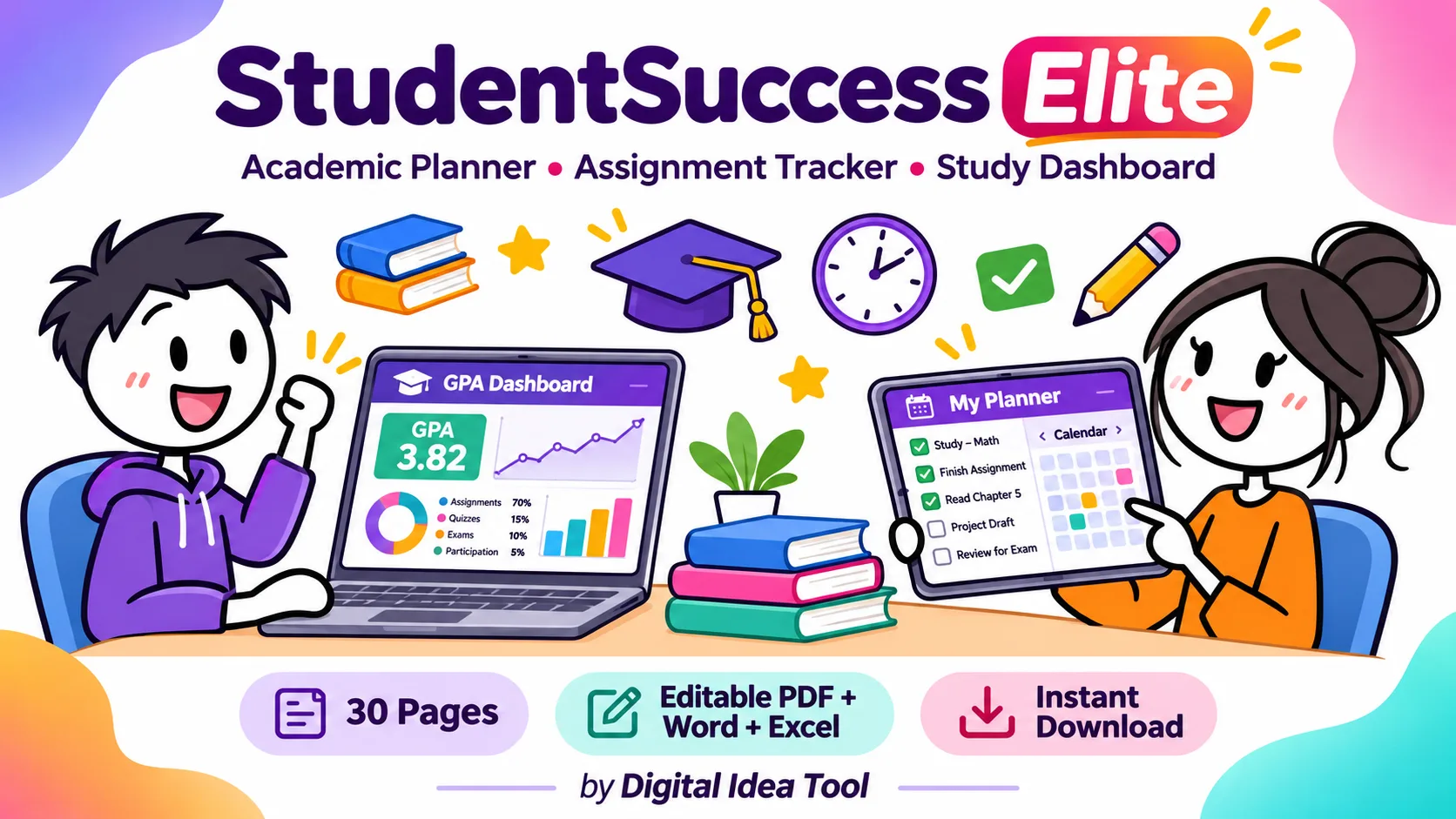
A 30-page editable PDF, Word and Excel student planner with an assignment tracker, GPA calculator, exam countdown and study dashboard. Any country, instant download.
StudentSuccess Elite is a 30-page all-in-one academic planner by Digital Idea Tool that combines an assignment tracker, exam planner, GPA calculator and study dashboard. It comes as an editable PDF you can type into on a phone, tablet or computer, a Word file, and an Excel workbook that automatically counts days left, calculates weighted GPA and charts your study hours. It works in any country, grading system and currency, and downloads instantly after purchase.
Want the full 30-page planner, Word file and Excel dashboard in one download?
Get StudentSuccess EliteWhat Is StudentSuccess Elite? An All-in-One Student Planner Explained
Most students juggle a paper diary, a notes app, a calendar and a spreadsheet, and deadlines slip through the gaps. StudentSuccess Elite puts all of it in one system with three formats, so you can plan on paper, type on a tablet or let Excel do the maths.
- Editable PDF (30 pages): tap any box and type, tick check boxes, and choose Priority and Status from drop-down lists. A clickable index jumps to any page.
- Word (.docx, 30 pages): the same layout as tables you can type into, add rows to or reprint.
- Excel Study Dashboard (.xlsx, 14 tabs): automatic deadline alerts, weighted GPA, study-hour charts, habit success rates and a budget balance.
What’s Inside the 30-Page Academic Planner
We grouped the pages the way a term actually runs: plan, act, track and reflect.
📅 Plan Your Year & Term
- Student Profile & Goals
- Academic Year at a Glance
- Semester / Term Planner
- Weekly Class Timetable
- Course & Teacher Directory
🗓️ Plan Every Day
- Monthly Planner (calendar grid)
- Weekly Planner + Top 3 Priorities
- Daily Planner with time blocks
- Focus & Productivity Dashboard
✅ Track Assignments & Exams
- Assignment Tracker (28 rows)
- Project Planner
- Exam Planner + exam-day checklist
- Revision Schedule (25-day countdown)
📈 Track Grades & Study
- Grade & GPA Tracker
- Study Session Log (Pomodoros)
- Cornell Notes
- Reading List Tracker
- Research & Citation Log
💪 Build Habits & Wellbeing
- 31-day Habit Tracker
- SMART Goals
- Wellbeing & Mood Tracker
- Student Budget Tracker
🚀 Grow Your Future
- Activities & Achievements
- Group Project Hub
- Internship & Career Planner
- Term Reflection & Review
- Contacts & Important Dates
How the Excel Study Dashboard Works
You type only in the yellow cells. The blue cells are formulas, and the Dashboard tab refreshes as soon as you enter data.
Automatic assignment alerts
Enter a due date and the tracker counts the days left from today. If a task is not yet submitted, it is labelled OVERDUE once the date has passed, DUE SOON within 3 days, and On track otherwise. Submitted and graded work greys out so your list only shows what still needs action.
Weighted GPA calculator (real worked example)
GPA is calculated by credits, not as a simple average. Here are the sample rows we shipped in the workbook, using the built-in 4.0 example scale:
| Course | Credits | Score | Grade | Points | Credits × Points |
|---|---|---|---|---|---|
| Mathematics | 4 | 91% | A- | 3.7 | 14.8 |
| English | 3 | 84% | B | 3.0 | 9.0 |
| Biology | 4 | 88% | B+ | 3.3 | 13.2 |
| History | 3 | 78% | C+ | 2.3 | 6.9 |
| Computer Science | 3 | 94% | A | 4.0 | 12.0 |
| Total | 17 | 55.9 → GPA 3.29 |
55.9 ÷ 17 credits = 3.29, while a simple average of the points would give 3.26. The difference comes from the 4-credit courses counting more, which is how most institutions calculate it. Replace the scale table with your own (10-point CGPA, percentage or ECTS) and every grade updates.
What the Dashboard shows at a glance
It has 14 summary tiles: assignments, completed, completion %, overdue, due in 3 days, current GPA, study hours, upcoming exams, days to the next exam, budget balance, habit success, average mood, books finished and goals achieved. It also has a doughnut chart of assignment status and a bar chart of study hours by course.
Let Excel count your deadlines and GPA so you can focus on studying.
Download the Study DashboardHow to Set Up Your Academic Planner in 5 Steps
- Download all three files right after purchase from your Gumroad receipt or library.
- Fill in Profile & Settings in Excel: your name, school, academic year, currency, target GPA and weekly study-hour goal.
- Add your courses and grade scale on the Grades & GPA tab, then add every assignment and exam date for the term.
- Plan each week on the PDF or Word Weekly Planner, and time-block tomorrow on the Daily Planner each evening.
- Review every Sunday: check the Dashboard’s overdue count, study hours and habit rate, then adjust next week’s plan.
Who Is This Student Planner For? (Any Country, Any Grading System)
It is built for high-school, college, university and postgraduate students, and for homeschool parents who plan with their children. Currency fields are neutral, and the grade scale is editable, so it adapts to how your institution grades:
| Grading system (examples) | Where it’s common | How to set it up |
|---|---|---|
| 4.0 GPA (A–F) | USA, Canada, many international schools | Use the included example scale or your college’s version |
| 10-point CGPA | India and some other countries | Change the Points column to your university’s 10-point bands |
| Percentage / marks | Many school boards worldwide | Track Score % directly; use the average score tile |
| Degree classes / ECTS grades | UK, Europe | Enter your institution’s grade bands and labels |
Always use the scale published by your own school or university. Grading rules differ even within the same country.
Editable PDF vs Word vs Excel: Which Format Should You Use?
| Format | Best for | Works in |
|---|---|---|
| Editable PDF | Tablet or phone planning, quick ticks, printing | Adobe Acrobat Reader (desktop, iPad, Android) |
| Word (.docx) | Customising pages, adding rows, school-branded printouts | Microsoft Word 2016+; also opens in Google Docs, Pages and LibreOffice |
| Excel (.xlsx) | Automatic GPA, deadline alerts, charts and budgets | Excel 2019 / 2021 / Microsoft 365; also opens in Google Sheets and LibreOffice |
Many students use two together: the PDF for daily planning and Excel for weekly tracking.
All three formats come in one purchase, ready to download instantly.
See All 30 PagesBehind the Build: How We Designed and Tested StudentSuccess Elite
These are the actual checks we ran on the files you download:
- 2,486 form fields in the PDF, counted after export, including drop-downs for Priority and Status and tick boxes for every “Done” column.
- 919 formulas in the Excel workbook, fully recalculated with 0 formula errors.
- Exactly 30 pages in both PDF and Word, rendered and checked page by page at A4 so no table spills onto an extra page.
- Touch-sized targets: table rows are about 21 pt tall and input boxes about 23 pt, so they are comfortable to tap on a tablet.
- Plain-language wellbeing and budget pages that clearly say they are self-reflection and record-keeping tools, not medical or financial advice.
5 Study Habits This Planner Is Designed Around
⏱️ Pomodoro focus blocks
Log 25–50 minute focused sessions in the Study Session Log, then compare them with your weekly target on the Dashboard.
🔁 Spaced repetition
Spread topics across several days on the Revision Schedule instead of cramming the night before.
🧠 Active recall
Write questions in the Cornell Notes cue column, then cover the notes and answer them from memory.
🎯 SMART goals
Turn “do better” into a specific, measurable target with a date and a first step you can take today.
🔍 Weekly review
Use the Term Reflection and Dashboard to spot patterns, such as which course gets the fewest hours.
😴 Rest & wellbeing
Track sleep and stress alongside study, because steady routines tend to support better focus.
Start next week organised, with every deadline, exam and goal in one place.
Start Planning TodayFrequently Asked Questions
Is StudentSuccess Elite a physical planner?
No. It is a digital product: an editable PDF, a Word file and an Excel workbook. You can download it immediately after purchase, and you can print any page at home.
Can I fill in the PDF on an iPad or Android tablet?
Yes. Open it in the free Adobe Acrobat Reader app, tap a field and type. Tick boxes and drop-down lists also work. Save often, because some built-in previewers don’t save form entries.
Does the GPA calculator work for a 10-point CGPA or percentages?
Yes. The grade scale on the Grades & GPA tab is editable. Enter your institution’s minimum scores, grade labels and points, and the weighted GPA recalculates automatically.
Will it work in Google Sheets or on a Mac?
The workbook is designed for Microsoft Excel 2019, 2021 or Microsoft 365 on Windows or Mac. Google Sheets, Apple Numbers and LibreOffice can open it, but some styling, charts or drop-downs may look different.
Can I reuse the planner every term?
Yes. The pages are undated, so you can print or duplicate them each month or term for your own personal use.
Can teachers or parents use it?
Parents can use it to plan with their children. Teachers may print copies for their own classroom under the personal licence. Reselling or sharing the files online is not allowed.
Will this planner improve my grades?
A planner helps you see deadlines and organise your time, but results depend on your own effort, your courses and many other factors. We don’t promise any specific grade or GPA.
Related Templates From Digital Idea Tool
- Teachers and course creators can map modules and student progress with the CourseCreator Command curriculum planning system.
- School administrators can track academics and performance with the EduCampus Elite school management dashboard.
About the Authors
Disclaimer & Compliance Note
Our connection to this product
StudentSuccess Elite is created and sold by Digital Idea Tool, the publisher of this article. We earn revenue when you buy it through the links on this page. This article describes our own product. It is not an independent review.
General information only
This article and the planner are for general educational and organisational purposes. They do not provide academic, legal, financial, medical or psychological advice and are not a substitute for guidance from your school, teachers, advisors or qualified professionals.
No guaranteed results
Grades, GPA, admissions, scholarships and career outcomes depend on many factors outside any planner. We make no promise of any specific result.
Your institution’s rules come first
The grading scales, GPA examples and study tips here are illustrative. Always follow your institution’s official handbook, grading scale, deadlines and academic integrity and AI-use policies.
Wellbeing and budget pages
The mood tracker is a self-reflection tool, not a medical tool. If you are struggling, talk to someone you trust, your institution’s counselling service or a qualified professional. The budget tracker is for personal record-keeping, not financial advice.
Privacy
The planner files do not collect or send your data; what you type stays in your own files. Please keep them secure, especially personal and contact details. Students under 18 should use the planner with a parent, guardian or teacher.
Trademarks
Microsoft, Word, Excel, Adobe, Acrobat, Google, Apple and Gumroad are trademarks of their respective owners. Digital Idea Tool is not affiliated with or endorsed by them.
Licence & accuracy
© 2026 Digital Idea Tool. The planner is sold under a personal-use licence and may not be resold or redistributed. Features and compatibility were checked on the publish date below and may change. We update this article when they do. Refunds follow Gumroad’s policy and your local consumer law.
Published 2 November 2026 • Last reviewed 2 November 2026
Ready for your most organised term yet? Instant download after purchase.
Get Your Planner Now📝 Key Takeaways & Action Notes
Jot down insights, next steps, or thoughts from this post. Your notes save automatically in your browser.
- What is the #1 breakthrough insight you took away today?
- What is one concrete action you will take in the next 24 hours?
- What questions or ideas do you want to research further?
Stay ahead with exclusive updates
Join our community. Get curated industry trends, actionable guides, and fresh resources delivered straight to your inbox.