
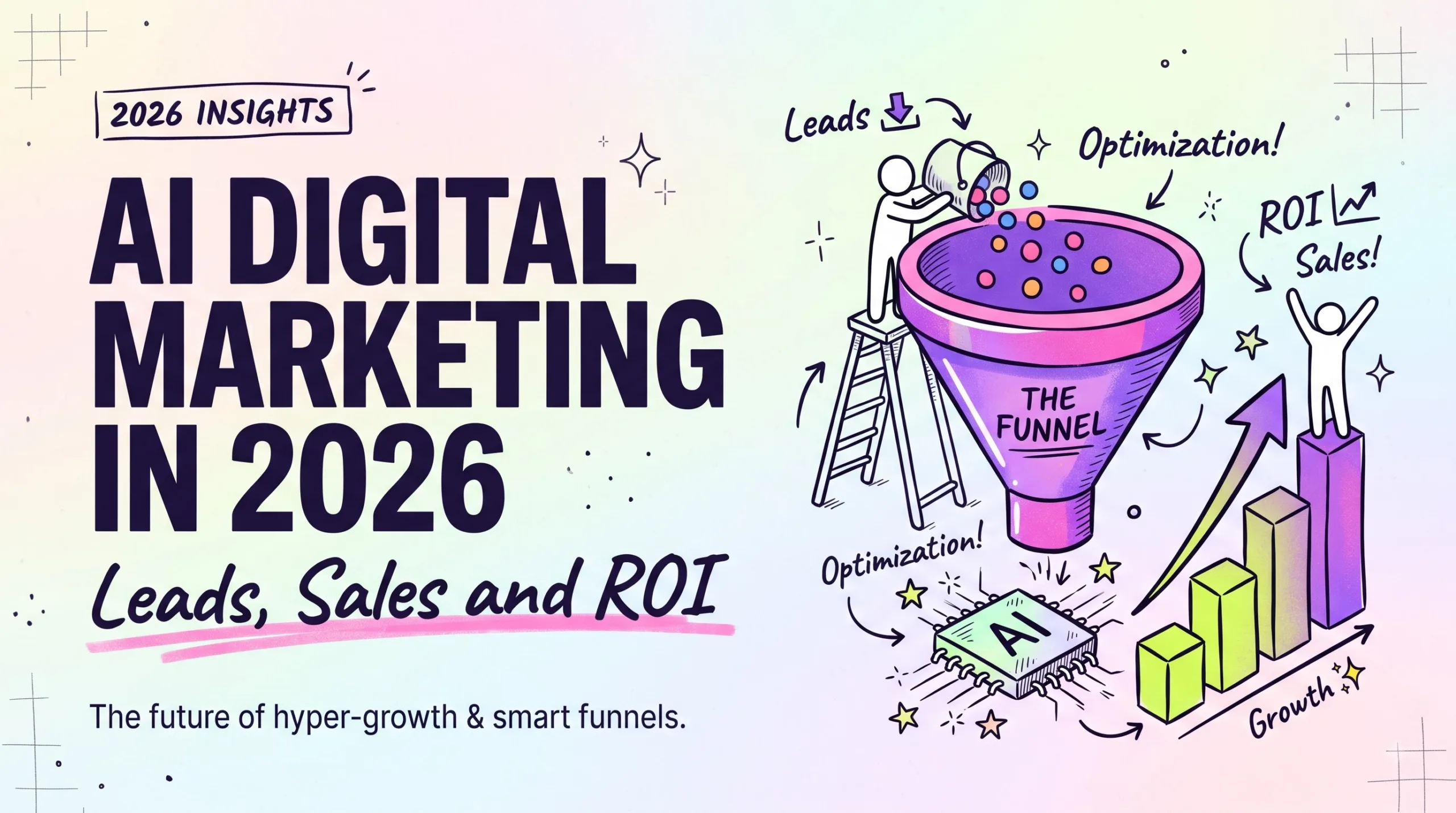
AI digital marketing in 2026 explained: how AI changes lead scoring, ad buying, sales follow-up and ROI tracking, plus a 7-step plan you can start this week.
AI digital marketing in 2026: better leads, real ROI
Which AI tools pay off for a small business, which ones waste money, and a 7-step setup you can start this week.
Quick summary: AI digital marketing
AI digital marketing in 2026 mostly means handing two decisions to software: which leads deserve a call, and where each ad dollar goes. Google Ads Performance Max and Meta Advantage+ campaigns already choose audiences and placements with little manual input, and most big CRMs now sell some form of predictive lead scoring. That saves time. It also adds a new risk, because these systems learn from whatever you tell them counts as a win, and sloppy conversion tracking teaches them to chase cheap clicks that never buy. This guide covers what changed this year, the AI marketing tools worth paying for, a 7-step setup plan, the mistakes that burn budget, and how to judge marketing ROI when Google’s AI Overviews send fewer clicks to some pages. You’ll also get a comparison table, a short FAQ and a 10-question quiz. We don’t quote invented numbers here. For fees and features that change, we point you to the official help center.
What AI digital marketing actually means in 2026
AI digital marketing is the use of machine learning and language models to make marketing calls that a person used to make. Parts of it are old news. Google’s Smart Bidding has set bids based on predicted conversion odds for years, and email tools have picked send times for nearly as long.
The 2026 difference is reach. AI now sits on the sales side too: drafting follow-up emails from call notes, answering site chat late at night and ranking inbound leads before anyone opens the inbox. A small business can now get help that once meant hiring an agency or a sales assistant.
Say you run a bookkeeping service in Ohio and get 40 contact-form leads a month. A CRM with predictive scoring (HubSpot and Salesforce both sell versions of this, mostly on paid plans) compares each new lead to the people who actually signed with you in the past. It flags the 8 or 10 that look most like past buyers. You call those first, and the rest get an automated email sequence.
One warning. “AI-powered” on a pricing page can mean a real prediction model or a basic template with a chatbot bolted on. Ask the vendor what data the feature learns from, and if the answer stays vague, assume it’s the second kind.
AI lead generation matters more in 2026 than it did in 2024
Search sends fewer free clicks than it used to for many questions. Google’s AI Overviews answer a lot of informational searches right on the results page, so a blog post can keep its ranking and still bring in fewer visitors. Publishers and Google disagree about how big that effect is, which is a good reason to check your own Search Console numbers before you change anything.
Paid ads moved too. Performance Max and Advantage+ now do most of the targeting work, and both platforms nudge advertisers toward them. That’s helpful for a two-person team. It’s frustrating if you liked control, because the reports show less about where your ads ran.
The bigger fight is lead quality. When you tell a platform to get “leads”, it finds people who fill out forms, and plenty of them never answer the phone. Say a roofing company in Texas pays for 100 form fills and 70 turn out to be spam or price shoppers. The algorithm thinks it’s doing great. Sending back which leads became paid jobs (offline conversion imports in Google Ads, the Conversions API in Meta) is how you teach it the difference.
Four places AI changes your sales funnel
AI shows up at four points between a stranger seeing your ad and money landing in your account. Each tab covers one of them.
AI lead generation and scoring
Old-school lead scoring meant points you set by hand, like 10 for opening an email and 20 for visiting the pricing page. Predictive lead scoring swaps those guesses for patterns found in your closed deals.
- Chat agents such as Intercom’s Fin can ask budget and timeline questions before a lead ever reaches your inbox.
- Enrichment tools fill in company size and industry from a work email, so your forms can ask for less.
- Scoring needs history. With only a handful of closed deals, the model has little to learn from, and simple manual rules may work better until you have more data.
- Once a month, pull your 20 highest-scored leads and count how many bought.
AI sales automation after the first reply
Small teams feel this change the most. Assistants built into Gmail and most CRMs can turn messy call notes into a clean follow-up email in under a minute.
- Call tools like Gong, Fathom and Zoom’s AI Companion summarize calls and list the objections a buyer raised.
- Keep a person reading and sending each email. Buyers notice generic AI follow-ups, and one bland message can lose a deal you already paid ads to win.
AI ad buying and creative
Google and Meta both push campaign types where you supply assets and a goal, and the system decides the rest (Microsoft Advertising now has its own Performance Max too). Weak assets usually mean weak results.
- Give Performance Max plenty of headlines and images, plus at least one video. If you skip video, Google may auto-generate one, and it usually looks auto-generated.
- Audience signals are hints. The system can show ads well outside them.
- Canva and Adobe Firefly make test images cheap. Check each platform’s rules on labeling AI-generated content.
- If you already run a branded search campaign, add brand exclusions to Performance Max so the two don’t blur together in reports.
- Read search term insights every week.
Measuring AI digital marketing ROI
Privacy settings and cookie limits mean you’ll never track every sale. Platforms fill the gap with modeled conversions, which are educated estimates.
- GA4’s predictive metrics, such as purchase probability, only appear once a property has enough traffic and conversions.
- Try a holdout test: pause one campaign in a single state for two weeks and compare sales against similar states.
- Every month, compare what each platform says it earned against your actual deposits. Platforms tend to give themselves generous credit.
AI marketing tools worth a small business budget
You don’t need all six of these, and several overlap, so start with the one that fixes the leakiest part of your funnel.
ChatGPT or Claude
Good for first drafts of ads, email sequences and landing page outlines. Paste in real customer reviews so the draft borrows your buyers’ own words. A paid plan makes sense if you write every day; if you write once a week, the free tier is usually enough.
HubSpot
The free CRM is a fine start. Predictive scoring and most Breeze AI features sit on paid tiers, so price those out before you build a sales process around them.
Google Performance Max
Best for stores with steady sales and a clean product feed in Merchant Center. Skip it on a brand-new account with zero conversion history, since there’s nothing for it to learn from yet.
Meta Advantage+
Strong for ecommerce brands that can feed it lots of creative. Poor at explaining why it did what it did.
Microsoft Clarity
Free heatmaps and session recordings, with AI summaries of what visitors did. Watching ten recordings of people quitting your checkout page often teaches you more than a month of ad tweaks.
Canva Magic Studio
Fast ad variations in every size. Fine for tests.
If money is tight, the free pair of Clarity and HubSpot’s free CRM covers more ground than most paid bundles we’ve looked at.
Set up AI marketing in 7 steps
The order matters here, because every step feeds cleaner data to the one after it.
- Fix tracking first: In GA4, open Admin, find Events, and mark your purchase or qualified-lead event as a key event. Then check that the same action records in Google Ads and the Meta pixel. Submit your own form once to test it.
- Send sales back to the ad platforms: Use offline conversion imports in Google Ads and the Conversions API in Meta. Many CRMs, including HubSpot and Salesforce, have native connectors, so you may not need a developer.
- Clean up your CRM: Merge duplicates, delete obvious spam and give every deal a won or lost status. This part is boring, but it’s where most setups go wrong, because scoring models learn from exactly this data.
- Pick one AI job: Choose your single biggest leak. If replies are slow, start with AI email drafting. If leads are junk, start with scoring and better conversion signals.
- Build a prompt library: Save 5 to 10 prompts that include your offer, prices, common objections and two samples of your tone. A shared doc works. Everyone on the team gets the same starting point, so copy stays consistent.
- Run one automated campaign: Launch Performance Max or Advantage+ next to your current campaigns for 4 to 6 weeks, at a budget you can afford to lose. Resist editing it every other day, since big changes can restart the learning period.
- Review ROI once a month: Track spend, leads, qualified leads, sales and revenue in one sheet. Judge by cost per sale. Cost per click tells you very little once AI controls the bidding.
🚀 Grab ready-made marketing templates
Prompt packs, email sequences and planners from independent creators, plus our own tools.
Manual vs AI-assisted marketing, side by side
Most small businesses end up mixing both approaches, using AI for volume and a person for judgment calls.
| Task | Manual way | AI-assisted way | Watch out for |
|---|---|---|---|
| Lead scoring | Points you set by hand | Predictions from past deals | Needs clean won/lost data |
| Ad targeting | You pick audiences and keywords | Platform finds buyers from signals | Less visibility into placements |
| Follow-up emails | Written one at a time | Drafted from call notes | Bland tone if nobody edits |
| Ad creative | A designer makes a few versions | Dozens of variations fast | Platform rules on AI content |
| ROI reporting | Spreadsheet and UTM links | Modeled conversions fill gaps | Platforms may over-credit themselves |
For a business with only a few sales a month, we’d keep targeting manual and use AI mainly for drafts and call summaries until the conversion data builds up. Start small. Fees and rules change, so check Google Ads Help or the Meta Business Help Center before you decide.
Common AI marketing mistakes that waste ad budget
Most wasted AI ad spend traces back to a handful of setup errors, and nearly all of them are fixable in an afternoon.
- Optimizing for form fills: Cheap leads look great in the dashboard until sales calls them. Fix: import qualified leads or closed deals as your main conversion.
- Publishing AI drafts unedited: Google’s spam policies target pages made mainly to game rankings, whatever wrote them. Fix: add your own examples, screenshots and real numbers before you hit Publish.
- Pasting customer data into chatbots: Names and deal notes don’t belong in a personal chatbot account. Fix: use a business plan with data controls, read its terms, and keep state privacy laws such as California’s CCPA in mind.
- Editing campaigns daily: Big changes can restart the learning period. Fix: set one review day a week and stick to it.
- Trusting platform ROAS alone: Each platform counts its own wins, and two of them can claim the same sale. Fix: compare reported revenue with real revenue every month.
- Buying five tools at once: Overlapping subscriptions add up fast, and nobody on the team learns any of them well. Fix: one tool, one job, 30 days, then decide.
AI digital marketing FAQ
Will AI replace digital marketers in 2026?
What is the best AI tool for lead generation?
Is AI marketing worth it for a small business?
How does AI improve marketing ROI?
Does Google penalize AI-generated content?
How much do AI marketing tools cost?
Is Performance Max good for small businesses?
Quick quiz: test your AI marketing know-how
Open each question to see the options and the right answer.
1. What should Smart Bidding optimize for?
- Page views
- Clicks
- Qualified leads or sales
2. Which Meta tool sends offline sales data back to ads?
- Conversions API
- Advantage+ creative
- Ads Library
3. What does predictive lead scoring learn from?
- Competitor ads
- Your past closed deals
- Random sampling
4. What does GA4 now call conversions?
- Goals
- Targets
- Key events
5. What is the biggest risk with unedited AI follow-up emails?
- Generic tone
- They are too short
- Too many images
6. What is a geo holdout test?
- Doubling budget in one city
- Pausing ads in one region to compare sales
- Deleting old ads
7. Which free tool shows session recordings?
- Performance Max
- HubSpot Sales Hub
- Microsoft Clarity
8. What should you fix before running automated campaigns?
- Conversion tracking
- Your logo
- Your website font
9. What should platform-reported revenue be checked against?
- Competitor ads
- Social media likes
- Your actual revenue
10. How many new AI tools should a beginner start with?
- One
- Five
- Ten
Your first 48 hours with AI digital marketing
Pick the part of your funnel that leaks the most and give it a two-week AI test, leaving everything else alone so you can see what changed. Write down today’s numbers first. Without a baseline, you’ll be guessing at results.
- Check your primary goals: In Google Ads, make sure only real sales or qualified leads are set as Primary.
- Build a baseline sheet: Pull 90 days of spend, leads and sales into one tab.
- Start one trial: Sign up for the single tool that fixes your biggest leak.
✨ Get ready-made tools for your next campaign
Templates and prompt packs you can put to work this week.
Disclaimer & compliance note
Affiliate disclosure: Some links in this post, including Gumroad links, are affiliate links. If you buy through them, we may earn a commission at no extra cost to you.
No guarantee: This guide is for general education and is not financial or legal advice. We don’t promise any specific sales or ROI. Ad platform features, fees and privacy rules change often, so check official sources before you spend money.
AI use: This post was drafted with AI assistance, then reviewed and edited by a human on the digitalideatool.com team. Found an error? Contact support@digitalideatool.com.
Please Note – Disclaimer
The content, news, topics, and ideas presented on this platform are collected and compiled from various websites, online sources, and digital platforms.
We do not guarantee the accuracy, authenticity, completeness, or reliability of any information, news, or sources mentioned.
Readers are strongly encouraged to independently verify all facts, claims, sources, and information through trusted and official channels before relying on or acting upon them.
This content is provided for general informational and educational purposes only.
✓ Reader Reminder: Always verify important information using trusted, authoritative, and official sources before making decisions or taking action.
📝 Key Takeaways & Action Notes
Jot down insights, next steps, or thoughts from this post. Your notes save automatically in your browser.
- What is the #1 breakthrough insight you took away today?
- What is one concrete action you will take in the next 24 hours?
- What questions or ideas do you want to research further?
Stay ahead with exclusive updates
Join our community. Get curated industry trends, actionable guides, and fresh resources delivered straight to your inbox.