
- 📸 Photo Layouts
- 📝 Journaling Cards
- 🎁 Gift Seasons
- 📘 Memory Books
Memory Lane: How to Create and Sell Digital Scrapbooking Kits Families Love
Picture a parent in mid-December, scrolling through thousands of photos from the year. The first steps, the beach trip, the messy birthday cake. Every one matters. None of them are organized. And the grandparents keep asking for “a little book of the kids.”
That moment is exactly why digital scrapbooking kits sell. Families don’t want to learn graphic design. They want a ready-made, beautiful structure they can drop photos and words into, then print, share, or gift. If you can build that structure, you can sell it again and again.
This guide walks you through what goes into a memory-keeping kit, why gifting seasons matter so much, how to stay inside template licensing rules, and where to sell.
What is a digital scrapbooking kit?
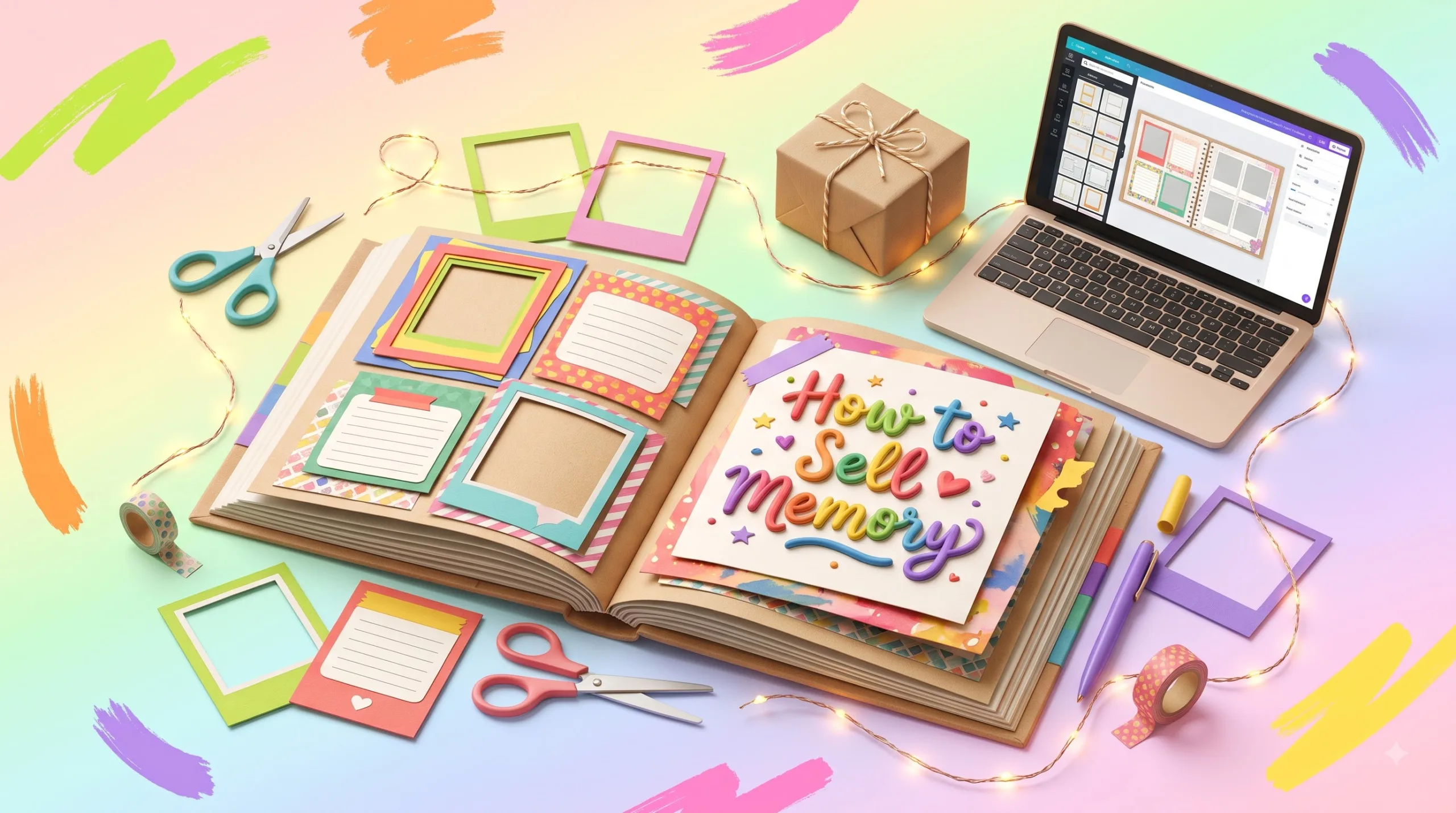
A digital scrapbooking kit is a downloadable bundle of editable page layouts, photo frames, journaling cards, papers, and decorative elements. Buyers add their own photos and text in an app such as Canva, Photoshop, or a PDF editor, then save the pages as a digital album or print them as a memory book.
What Goes Inside a Memory-Keeping Kit
The best kits feel like a complete project, not a random folder of pretty files. Think in terms of the finished book your buyer will hold.
| Component | What the buyer does with it | Common format |
|---|---|---|
| Editable photo layouts | Drops photos into placeholder frames | Canva template link, PSD, layered PNG |
| Journaling cards | Writes captions, quotes, and stories | Editable template, printable PDF |
| Yearly memory book pages | Fills month-by-month spreads | Canva link or PDF, sized for print |
| Digital papers | Uses as page backgrounds | JPG or PNG, often 12″ × 12″ |
| Cover and title pages | Personalizes the family name and year | Editable template |
| Instructions guide | Learns how to edit, export, and print | Short PDF |
Popular kit themes
- Family yearbook: one spread per month plus a “highlights of the year” page.
- Baby’s first year: monthly milestone pages and growth notes.
- Travel memories: trip maps, ticket-style journaling cards, and itinerary pages.
- Grandparent memory book: question prompts that capture family stories.
- Holiday album: traditions, recipes, and gift-exchange pages.
Why Families Buy Editable Photo Layouts
Photo overload is real
Phones made taking photos effortless. Doing something meaningful with them did not get easier. A structured template turns an overwhelming camera roll into a defined, finishable project.
Design confidence, without design skills
Most buyers know what they like when they see it, but they don’t want to choose fonts, align frames, or build a grid. Your layout makes those decisions for them, so they only add the personal parts.
Digital-to-print flexibility
Many families want both: a shareable digital album for relatives far away and a printed book for the coffee table. Kits sized correctly for common print formats serve both needs from one purchase.
Words matter as much as photos
Journaling cards and prompt pages answer a question buyers rarely say out loud: “What do I even write?” Prompts like “the funniest thing you said this month” make the book richer and the kit more valuable.
Why Gifting Seasons Boost Memory Book Sales
Memory books are deeply giftable. They are personal, they feel thoughtful, and a digital template can be bought and finished quickly. That makes the calendar one of your best marketing tools.
The biggest window is the winter holidays. The National Retail Federation forecasts that US retail sales in November and December 2026 will grow 4.2% to about $1.013 trillion, up from $972 billion in 2025. That figure covers all core retail, not templates specifically, but it shows how much gift shopping is concentrated in those two months.
| Season | Kit angle | When to promote |
|---|---|---|
| Winter holidays | Family yearbook, grandparent gift book | Start in October |
| New Year | “Year in review” memory book | Late December to January |
| Valentine’s Day | Couple’s memory book | Mid-January |
| Mother’s and Father’s Day | “All about Mom/Dad” prompt books | 4–6 weeks before |
| Graduation | School-years memory book | April to May |
| Back to school | First-day and school-year albums | July to August |
| Year-round | Baby’s first year, wedding, travel | Evergreen |
A practical tip: publish seasonal listings and blog posts several weeks before the season starts. Search engines and marketplaces need time to discover new pages, and many buyers plan handmade-style gifts early.
How to Create and Sell Digital Scrapbooking Kits
- Pick one buyer and one occasion. “Grandparent gift book for the holidays” is easier to design and market than “scrapbook kit for everyone.”
- Plan the finished book first. Decide the page count, the print size (8″ × 8″, 8.5″ × 11″, and 12″ × 12″ are common), and the story flow before designing a single page.
- Design original layouts. Build your own grids, frames, and typography pairings. Keep text editable and photo frames easy to replace.
- Write helpful journaling prompts. Specific prompts beat generic ones. Aim for prompts that spark a real story.
- Package it clearly. Include a welcome PDF with editing steps, export settings, and print tips.
- Create honest previews. Show real page spreads, the number of pages, the file types, and which app is required.
Know the Canva licensing rules before you sell
Canva is a popular tool for memory book templates, but its license sets clear limits. According to Canva’s help center, templates that include Canva Pro content can only be sold as Canva template links. Templates made with only free content and your own photos can be sold as PDFs or template links. Reselling an existing Canva template as-is, or with only light edits, is not allowed.
Always review the current Canva licensing and commercial use guidance before publishing, since terms can change.
Choose the right file formats
- Canva template links are the easiest for beginners; buyers need a Canva account.
- Layered PSD files suit experienced hobbyists who use Photoshop or Photoshop Elements.
- Printable PDFs work for journaling cards people fill in by hand.
- PNG elements with transparent backgrounds give buyers creative freedom.
Where to sell
Gumroad, Etsy, and your own website each have trade-offs. Marketplaces bring built-in search traffic and more competition. Your own store gives you control and customer emails. Many sellers start on one platform, then expand once a kit proves itself. If you’re curious about selling to other creators too, see this guide to Etsy seller starter kits.
Pricing without guesswork
Rather than copying someone else’s price, compare similar listings for page count, file types, and extras. Then consider a simple ladder: a small single-occasion kit, a full yearly memory book, and a bundle. Test, watch your results, and adjust.
Marketing Ideas That Fit Memory-Keeping Products
- Pinterest: memory book spreads are highly visual and save-worthy. Our Pinterest marketing guide covers pin keywords and consistency.
- Seasonal email reminders: “Start your 2026 family yearbook before the holidays” gives buyers a deadline.
- Before-and-after mockups: show a blank layout next to a finished page.
- Cross-sell related gifts: a couple’s memory book pairs naturally with relationship products like this couples’ connection journal.
Common Mistakes to Avoid
- Selling layouts sized for screens only, then getting complaints about blurry prints.
- Hiding which app is required until after purchase.
- Using fonts or graphics without a commercial license.
- Making photo frames hard to replace or text impossible to edit.
- Launching holiday kits in mid-December, when most planning has already happened.
- Skipping instructions, which leads to frustrated buyers and refund requests.
Honest Limitations to Consider
Template marketplaces are competitive, and a new kit may take time to get noticed. Digital products are easy to copy, so clear license terms matter. Some buyers prefer physical supplies, and others will choose a photo-book service’s built-in themes. Sales vary widely depending on design quality, niche, marketing, and timing, so treat your first kit as a learning project.
Ready to Build Your First Memory Kit?
Start small: one theme, one occasion, about a dozen beautiful pages. Browse what’s already working for inspiration (never to copy), then design something original families will treasure.
Explore Digital Products on Gumroad See Our Digital ProductsAffiliate disclosure: the Gumroad link above is an affiliate link. If you make a purchase through it, we may earn a commission at no extra cost to you.
Frequently Asked Questions
How do I make a digital scrapbook kit to sell?
Choose one theme and buyer, plan the finished book and print size, design original layouts with editable text and replaceable photo frames, add journaling prompts, and include a short instructions PDF. Then create clear previews and list it on a platform such as Gumroad, Etsy, or your own site.
Can I sell Canva scrapbook templates?
Yes, if the design is original. Per Canva’s guidance, templates containing Pro content can only be sold as Canva template links, while templates using only free content and your own photos can be sold as PDFs or template links. You can’t resell existing Canva templates as-is.
What size should a printable family memory book be?
Common sizes are 8″ × 8″, 8.5″ × 11″, and 12″ × 12″. Match the size to popular photo-book printers, design at 300 DPI, and tell buyers which size the kit uses before they purchase.
What should journaling cards include?
Useful journaling cards offer short prompts, date fields, and space for a few sentences. Prompts tied to real moments, such as “a family joke we laughed about this month,” help buyers write stories instead of captions.
When is the best time to launch a memory book template?
Launch several weeks before the gifting season you’re targeting. For holiday family yearbooks, October is a sensible start, so listings and blog posts have time to be discovered before peak shopping in November and December.
Quick Quiz: Test Your Memory-Kit Know-How
Tap each question to reveal the answer.
1. What is a digital scrapbooking kit?
Answer A downloadable bundle of editable layouts, journaling cards, papers, and elements for building photo albums or memory books.
2. Why do families buy editable photo layouts instead of designing pages themselves?
Answer Templates save time and remove design decisions, so buyers only add photos and words.
3. Which season is usually the biggest for gift-focused memory books?
Answer The November–December winter holiday season.
4. How must Canva templates with Pro content be sold?
Answer Only as Canva template links.
5. Can you resell an existing Canva template with light edits?
Answer No. Your template must be your own original design.
6. What resolution should print-ready pages use?
Answer 300 DPI is the common standard for sharp prints.
7. What makes journaling cards more useful?
Answer Specific prompts that spark real stories, plus space to write.
8. When should you start promoting a holiday family yearbook kit?
Answer Around October, weeks before peak shopping.
9. What should every kit include besides the design files?
Answer A short instructions guide covering editing, exporting, and printing.
10. Which platform is especially useful for marketing visual memory book spreads?
Answer Pinterest, because finished spreads are highly visual and save-worthy.
Disclaimer & Compliance Note
This article is for general educational purposes only and is not legal, tax, or financial advice. Results from selling digital products vary, and no income or sales outcome is guaranteed. Licensing terms for Canva, fonts, graphics, and marketplaces can change; always check the current official terms before selling. Market figures cited are third-party forecasts, not guarantees. This post contains an affiliate link; we may earn a commission at no extra cost to you. Product names mentioned belong to their respective owners, and Digital Idea Tool is not affiliated with or endorsed by them. Questions? Contact support@digitalideatool.com.
📝 Key Takeaways & Action Notes
Jot down insights, next steps, or thoughts from this post. Your notes save automatically in your browser.
- What is the #1 breakthrough insight you took away today?
- What is one concrete action you will take in the next 24 hours?
- What questions or ideas do you want to research further?
Stay ahead with exclusive updates
Join our community. Get curated industry trends, actionable guides, and fresh resources delivered straight to your inbox.