
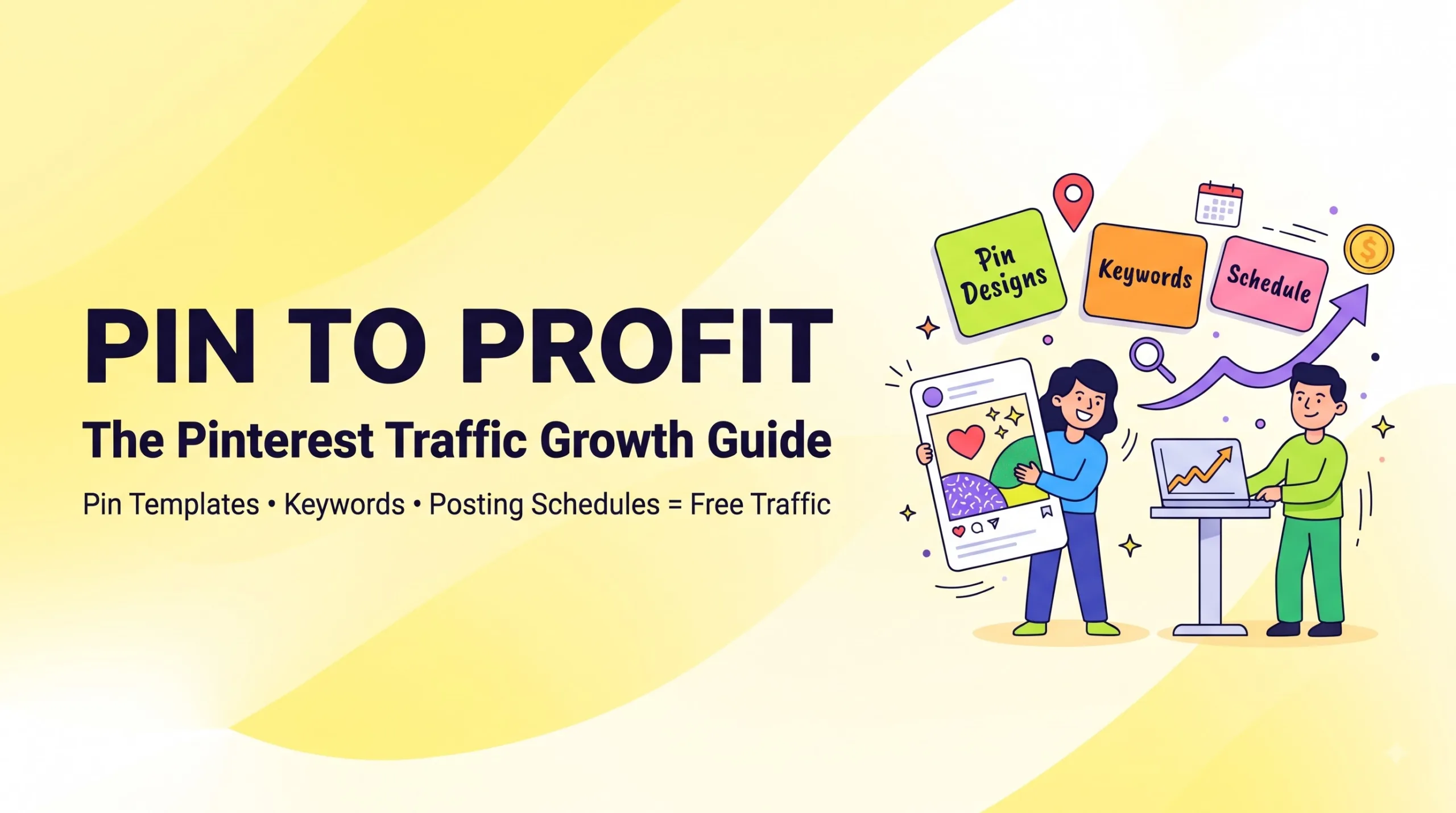
Pinterest marketing still sends free, long-lasting traffic to blogs and shops — but only if you pin consistently, use keywords, and make pins people actually click.
- Bloggers and sellers pay for pin templates, keyword lists, and posting schedules because those three things are the slow, boring part.
- A good guide or template pack costs roughly $7–$49 on Gumroad or Etsy. Worth it if you’ll use it weekly. Waste of money if you won’t.
- Expect 3–6 months before traffic grows. Pinterest is a slow cooker, not a microwave.
- You can also sell these guides and templates yourself — that’s a real digital product idea.
Why Most People Quit Pinterest Too Early
Most people get Pinterest wrong in the same way. They pin 10 times in one week, see 40 impressions, and decide “Pinterest is dead.”
It isn’t. Pinterest works more like a search engine than a social app. People type “easy weeknight dinners” or “budget planner printable” and save ideas for later. A single good pin can keep getting clicks for months, sometimes years.
The problem? Doing it well takes three skills most bloggers and shop owners don’t have time for:
- Designing scroll-stopping pins (fast, in bulk)
- Finding the keywords people actually search on Pinterest
- Pinning on a steady schedule without burning out
That gap is exactly why Pinterest guides and pin templates sell so well. In this post, I’ll break down what people buy, what’s worth it, what isn’t, and how to use (or sell) these products without wasting money.
What Bloggers and Sellers Actually Pay For
Here’s the honest breakdown of the products in this niche. Almost everything falls into four buckets.
🎨 Pin Templates
Editable Canva pin templates (usually 20–200 designs). You swap text and photos, then export. Saves hours every week.
🔑 Keyword Lists
Niche-specific Pinterest SEO keywords for titles, descriptions, and board names. Great for beginners who don’t know where to start.
📅 Posting Schedules
Content calendars and pin-planner spreadsheets. Tells you what to pin, when, and how often — so you stop guessing.
📘 Strategy Guides
Step-by-step Pinterest marketing guides (PDF or Notion). Cover profile setup, boards, SEO, analytics, and fixing low clicks.
The best-selling products usually bundle two or three of these. A “Pin to Profit kit” with 50 templates + a keyword sheet + a 30-day schedule sells far better than templates alone.
How Pinterest Traffic Actually Works (Short Version)
You don’t need a 40-page course to get this. Here’s the core loop:
- Keywords → Pinterest reads your pin title, description, board name, and the text on your image.
- Distribution → It shows your pin to a small group first.
- Engagement → If people save and click, it shows the pin to more people.
- Freshness → New pin images (even for old posts) get a boost. That’s why templates matter so much.
So the job is simple on paper: make lots of fresh pins, aim them at real search terms, and keep showing up. The products just make that loop faster.
What Actually Worked
- 5–10 fresh pins per blog post or product. Same link, different headline and image. One of them usually takes off.
- Big, readable text on the pin. Most people scroll on phones. If you can’t read it at thumb size, it’s too small.
- Using Pinterest’s own search bar for keywords. Type your topic and note the autocomplete suggestions. That’s free keyword research.
- Checking Pinterest Trends before seasonal content. People start pinning Christmas ideas in September and wedding stuff in January.
- A boring, steady schedule. 1–3 pins a day, every day, beats 30 pins once a month.
- Vertical 2:3 pins (1000 × 1500 px). This is the size Pinterest recommends, and it displays best in the feed.
What Didn’t Work
- Buying 500 templates “just in case.” Most people use 10–15 favorites. The rest sit in a folder.
- Hashtag stuffing. Pinterest is about keywords in plain sentences, not #hashtags.
- Pinning only your own stuff on day one with zero boards set up. Set up 5–10 keyword-named boards first.
- Using the exact same template everyone else bought. If your pin looks like 1,000 others, change fonts and colors to match your brand.
- Expecting sales in week two. Pinterest traffic compounds. Week two is too early to judge anything.
Free vs Paid: Are Pinterest Templates Worth It?
This is the question I see on Reddit most: “Should I just make my own pins in Canva for free?” Here’s a fair comparison.
| Option | Cost | Time per week | Best for | Downside |
|---|---|---|---|---|
| DIY in free Canva | $0 | 4–6 hrs | People who enjoy design | Slow, inconsistent look |
| Pin template pack | $7–$29 | 1–2 hrs | Busy bloggers & shop owners | Can look generic if not customized |
| Full guide + templates + schedule | $19–$49 | 1–2 hrs | Beginners who want a plan | Quality varies a lot between sellers |
| Hire a Pinterest manager | $300+/month | ~0 hrs | Established sites with budget | Expensive; you learn nothing |
| Paid courses | $97–$500 | Varies | Deep learners | Often padded; info is free elsewhere |
Prices are typical ranges seen on marketplaces like Gumroad and Etsy — they vary by seller.
Short answer: a template pack is worth it if it saves you 2+ hours a week. A $300 course usually isn’t worth it for beginners — most of what it teaches is in Pinterest’s own free business guides.
A Simple 30-Day Pinterest Plan (Use This Even Without Buying Anything)
Week 1 — Set up
- Switch to a free Pinterest Business account and claim your website.
- Write a keyword-rich profile name, e.g. “Anna | Budget Meal Plans & Printables”.
- Create 5–10 boards named after search terms, not cute phrases.
Week 2 — Keywords + templates
- List 20–30 keywords from Pinterest search autocomplete.
- Pick 5 templates and brand them with your fonts and colors.
- Make 5 pins for each of your top 3 posts or products.
Week 3 — Schedule
- Schedule 1–3 pins per day using Pinterest’s built-in scheduler.
- Spread pins for the same link across different days.
Week 4 — Review
- Check analytics: which pins got saves and outbound clicks?
- Make 3 new versions of your best pin. Drop the styles that flopped.
Selling Pinterest Templates as a Digital Product
Here’s what nobody tells you: the people buying pin templates are often bloggers and sellers just like you. If you already know Canva and Pinterest SEO, you can sell these.
- Pick a niche. “Pin templates for food bloggers” sells better than “pin templates for everyone.”
- Bundle value. Templates + niche keyword list + 30-day schedule.
- Show results honestly. Use screenshots of your own pins and analytics — never fake numbers.
- Price simply. Many sellers start around $9–$19 and add a premium bundle later.
- Use Pinterest to sell it. The product markets itself on the platform it’s built for.
You can browse working examples in the digital product ideas section to see what formats sell.
Mistakes to Avoid
- Linking pins to your homepage. Link to the exact post or product page.
- Skipping pin descriptions. Write 1–3 natural sentences with your keyword.
- Using tiny, fancy script fonts. Unreadable on mobile.
- Deleting “dead” pins after a week. Some pins wake up months later.
- Buying from sellers with no previews. Always check sample images and the license (personal vs commercial use).
- Copying someone else’s pin design exactly. Customize, and respect template licenses.
- Ignoring seasons. Pin holiday content 45–90 days early.
Common Questions People Ask (and Doubts in the Comments)
“Isn’t Pinterest only for recipes and weddings?”
No. Home, finance, printables, fashion, DIY, travel, and digital products all do well. B2B and very technical topics are harder.
“Do I need to pay for a scheduler?”
No. Pinterest’s own scheduler is free. Paid tools help if you manage several accounts.
“Will AI images hurt my pins?”
They can work, but real product photos and clear text usually earn more trust and clicks. Pinterest may also label AI-modified images.
“What if my niche is tiny?”
Small niches often convert better. Fewer clicks, but the right people.
My Honest Take
Pinterest is one of the few places left where a small blog or shop can get free, steady traffic without dancing on video. But it’s slow, and the “pin and get rich” promises are hype.
Buy a template pack or Pinterest marketing guide if you’ll actually use it every week and you’re short on time. Skip it if you love designing, or if you won’t commit to pinning for at least 3 months.
And if you’re good at this? Selling your own Pinterest kit is one of the smartest low-cost digital products you can make.
FAQ
Is Pinterest marketing worth it for beginners?
Yes, if you can stay consistent for 3–6 months. It’s free and pins keep working long after you post them.Are Pinterest pin templates worth buying?
They’re worth it if they save you 2+ hours a week and you customize them to your brand. Avoid huge packs you’ll never use.How many pins should I post per day?
1–3 fresh pins a day is a realistic, sustainable target for most bloggers and shop owners.How long does it take to get traffic from Pinterest?
Most accounts see real growth after 3–6 months of consistent pinning. Early weeks are mostly Pinterest learning what your pins are about.How do I find Pinterest keywords for free?
Use the Pinterest search bar autocomplete, the guided search bubbles under results, and Pinterest Trends.Can I sell Pinterest templates on Gumroad or Etsy?
Yes. Make original designs, include clear license terms, and bundle templates with keyword lists or schedules for more value.Pinterest vs Instagram for blog traffic — which is better?
For clicks to a website, Pinterest usually wins because pins link out directly and stay searchable for months. Instagram is better for community and brand.
Quick Quiz: Test Your Pinterest Know-How
Tap “Show answer” after each question.
1. Pinterest works most like a…
- Messaging app
- Search engine
- Video platform
- Forum
Show answer
B — People search and save ideas, so keywords matter.
2. What pin size does Pinterest recommend?
- 1:1 square
- 16:9 wide
- 2:3 vertical (1000 × 1500 px)
- 4:1 banner
Show answer
C — Vertical 2:3 pins display best in the feed.
3. Which is the best free keyword source?
- Pinterest search autocomplete
- Random hashtags
- Your competitor’s bio
- Guessing
Show answer
A — Autocomplete shows what real users type.
4. A realistic daily pinning target is…
- 50 pins
- 1–3 fresh pins
- 1 pin a month
- Only on weekends
Show answer
B — Steady and sustainable beats bursts.
5. Where should a blog pin link to?
- Homepage
- Your About page
- The exact post or product page
- Your Instagram
Show answer
C — Send people straight to what the pin promised.
6. Why do “fresh pins” matter?
- They cost less
- New pin images tend to get a distribution boost
- They remove old pins
- They add hashtags
Show answer
B — New images for the same link give you more chances to rank.
7. When should you pin holiday content?
- The day before
- The week after
- 45–90 days early
- Never
Show answer
C — Pinners plan ahead, so Pinterest needs time to rank you.
8. What should you check before buying a template pack?
- Previews and license terms
- Number of hashtags
- The seller’s follower count only
- Nothing
Show answer
A — Previews show quality; licenses show how you can use it.
9. How long does Pinterest traffic usually take to grow?
- 24 hours
- 1 week
- 3–6 months
- 5 years
Show answer
C — It compounds over months.
10. What makes a Pinterest kit easier to sell?
- Making it for everyone
- Picking a niche and bundling templates, keywords, and a schedule
- Fake income screenshots
- No previews
Show answer
B — A focused niche bundle solves a clear problem.
Conclusion: Start Small, Pin Steady
Good Pinterest marketing isn’t about going viral. It’s about fresh pins, real keywords, and a schedule you can keep. Templates, keyword lists, and posting plans just remove the friction.
Pick one approach this week: build your boards, brand 5 templates, and schedule your first 20 pins. Check back in 30 days and double down on what works.
Want ready-made tools or ideas to sell your own?
Browse digital product ideas, or explore Pinterest template packs and guides from independent creators.Explore Digital ProductsBrowse on Gumroad
Disclaimer & Compliance Note
Affiliate disclosure: Some links in this post are affiliate links, including Gumroad links. If you buy through them, digitalideatool.com may earn a small commission at no extra cost to you. We only mention products and platforms we believe are useful.
Informational purpose only: This article is for general education. Traffic, income, and results vary and are not guaranteed. Prices and platform features may change; always check current details on the official site before buying. Pinterest is a trademark of Pinterest, Inc.; this site is not affiliated with or endorsed by Pinterest.
Contact: Questions or corrections? Email support@digitalideatool.com.
📝 Key Takeaways & Action Notes
Jot down insights, next steps, or thoughts from this post. Your notes save automatically in your browser.
- What is the #1 breakthrough insight you took away today?
- What is one concrete action you will take in the next 24 hours?
- What questions or ideas do you want to research further?
Stay ahead with exclusive updates
Join our community. Get curated industry trends, actionable guides, and fresh resources delivered straight to your inbox.