
How to Sell Digital Products to Educators
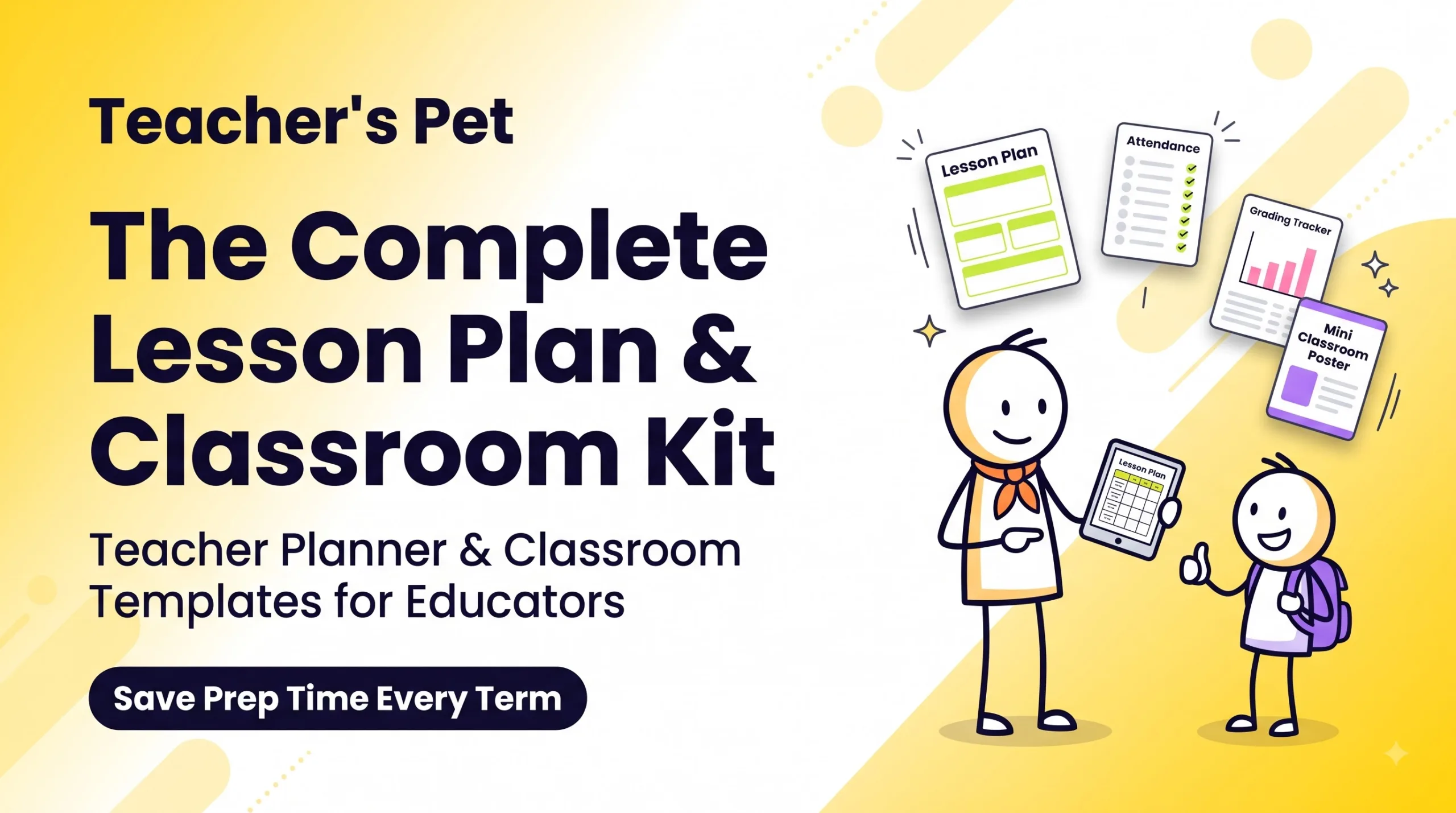
Teacher planner and classroom templates sell because they save teachers hours of unpaid prep every term. The winners are boring, practical files: lesson plan formats, attendance sheets, grading trackers, and classroom posters, bundled into one kit and priced around $5–$25.
- Pick one grade band and one problem (e.g., “weekly planning for K–2”).
- Deliver editable files (Google Slides/Docs/Sheets, Canva) plus printable PDFs.
- Launch before back-to-school and before each new term — that’s when teachers buy.
Most people get this niche wrong. They make a pretty planner, list it, and wait. Nothing happens.
Here’s what I learned building and studying a classroom kit: teachers don’t buy “cute.” They buy time back. If your product doesn’t save a Sunday afternoon, it won’t sell — no matter how nice the fonts are.
In this guide I’ll show you what teachers actually buy, how to build a “Teacher’s Pet” style lesson plan and classroom kit, how to price it, where to sell it, and the mistakes that cost me sales.
Why Teachers Pay for Templates (When They Could Make Their Own)
Teachers can build their own attendance sheet. That’s not the point.
Surveys from groups like RAND keep finding the same thing: teachers work well past their contract hours, and a big chunk of that is planning and admin. A $12 kit that kills three hours of formatting is an easy yes.
Three more reasons this market is real:
- Repeat buying cycles. Every term, every new school year, every new class list — they need fresh files.
- Teachers share. One happy teacher tells their grade team. Word of mouth is huge here.
- They already buy online. Teacher marketplaces like Teachers Pay Teachers trained this audience to pay for digital classroom resources.
What’s Inside a “Teacher’s Pet” Lesson Plan and Classroom Kit
Think of the kit as “everything a teacher prints or edits in the first two weeks of term.” Here’s the core set:
📘 Lesson Plan Formats
Daily, weekly, and unit planners. Include fields for objectives, standards, materials, differentiation, and assessment.
✅ Attendance Sheets
Monthly grids, a 180-day year view, and tardy/absence codes. Make the Google Sheets version auto-count totals.
📊 Grading Trackers
Gradebook sheets with weighted categories, rubric templates, and a standards-based mastery tracker.
🎨 Classroom Posters
Class rules, growth-mindset quotes, word walls, and a visual daily schedule. Printable at A4 and US Letter.
🗂️ Admin Extras
Parent contact log, sub plans folder, seating chart, and a behavior tracker.
📅 Teacher Planner Pages
Undated monthly calendar, to-do lists, meeting notes, and a term overview page.
What nobody tells you: the sub plans folder and parent contact log often get more love in reviews than the pretty posters. Admin pain is real pain.
How to Build Teacher Classroom Templates That Actually Sell
- Pick a narrow buyer. “Teachers” is too broad. Try “middle school science teachers” or “homeschool parents with 3 kids.”
- Talk to 5 teachers first. Ask: “What do you rebuild every term that annoys you?” Write down their exact words — those become your listing copy.
- Build in the tools they use. Google Slides, Docs, and Sheets are the safe default. Add Canva links and PDF printables.
- Make everything editable. Text boxes, not flattened images. Teachers change names, dates, and subjects constantly.
- Support both paper sizes. US Letter and A4. You’ll lose international buyers without A4.
- Add a “how to use” PDF. One page with screenshots: “Click File → Make a copy.” This cuts support emails a lot.
- Create 4–6 preview images. Show the files in use — on a desk, on a tablet, printed in a binder.
Pricing Teacher Planner Templates: What Actually Worked
Here’s a pricing setup that makes sense for this niche (these are typical ranges, not guarantees):
| Product | What’s Included | Typical Price | Best For |
|---|---|---|---|
| Single template | 1 attendance sheet or 1 lesson plan format | $2–$5 | Getting first reviews |
| Mini pack | Grading tracker + rubric set | $6–$10 | Teachers fixing one problem |
| Full classroom kit | Planner, lesson plans, attendance, grading, posters | $15–$25 | Your main money-maker |
| Year-long bundle | Kit + seasonal posters + updates | $29–$45 | Committed buyers, schools |
| School/team license | Kit licensed for a grade team | $60–$150 | Department heads |
Unpopular opinion: don’t go below $3 on everything. Cheap single files bring lots of downloads but few loyal buyers. Use freebies to build an email list, then sell the bundle.
Where to Sell Digital Products to Educators
| Platform | Pros | Cons |
|---|---|---|
| Teachers Pay Teachers | Built-in teacher traffic | Lots of competition, platform fees |
| Gumroad | Easy setup, you own the buyer email, works worldwide | You bring your own traffic |
| Etsy | Big search audience, good for posters/planners | Listing fees, crowded design space |
| Your own site | Full control, best margins | Slowest to start |
My take: list on a marketplace for discovery, and use Gumroad or your own store for bundles and repeat buyers. You can browse what’s already selling on Gumroad Discover to spot gaps.
When to Launch: The Teacher Buying Calendar
- Late July – August: back-to-school rush (Northern Hemisphere). Your biggest window.
- December – January: new term reset. Planners and grading trackers sell again.
- Before exams: rubrics, review posters, and grade trackers.
- Teacher Appreciation season: great time for discounts and gift bundles.
Have your listings live 3–4 weeks before each window. Teachers plan early.
What Actually Worked vs. What Didn’t
👍 What worked
- Bundling everything into one “first two weeks” kit
- Google Sheets with auto-calculating totals
- Preview images showing real classroom use
- A free attendance sheet as an email lead magnet
- Listing titles using teacher words: “editable,” “printable,” “no-prep”
👎 What didn’t
- Dated planners (they expire and can’t be resold next year)
- Flattened PDFs teachers couldn’t edit
- Generic “for all grades” listings
- Over-designed pages that waste printer ink
- Launching in October with no seasonal hook
Common Questions People Ask (and Doubts in the Comments)
“Isn’t this market saturated?” The generic stuff is. Niche kits aren’t. “Editable lesson plan template for ESL teachers” has far less competition than “teacher planner.”
“Do I need to be a teacher?” No, but it helps a lot. If you’re not one, get feedback from real teachers before launch. They spot missing fields instantly.
“Can I use AI to make these?” For drafts, sure. But check every field yourself, and never claim content follows specific curriculum standards unless you verified it.
“Can I sell Canva templates?” Yes, using template share links — but read Canva’s license terms first so you don’t resell their elements as standalone files.
Mistakes to Avoid
- No license terms. Say clearly: single-classroom use, no resale, no sharing outside the buyer’s class.
- Ignoring accessibility. Use readable fonts and high contrast. Many teachers have students with visual needs.
- Heavy color backgrounds. Schools ration printer ink. Offer a low-ink version.
- Only one paper size. Add A4 and US Letter.
- Collecting student data. Your templates should never send student names or grades anywhere. Keep them local to the teacher’s own drive.
- Never updating. Push a fresh version every school year. Past buyers get a reason to come back.
My Honest Take
Teacher planner and classroom templates are one of the most solid digital product niches out there — if you build for a specific teacher and solve admin pain first.
It’s not passive income on day one. Expect a slow start, then steady sales that spike every term. The sellers who win treat it like a small product line: one strong kit, regular updates, and a growing email list.
If you’re a teacher or ex-teacher, you have an unfair advantage. Use it.
FAQ
What digital products do teachers buy most?
Lesson plan templates, teacher planners, attendance sheets, grading trackers, rubrics, classroom posters, and sub plan folders are steady sellers.How much should I charge for a teacher planner template?
Single templates usually sell for $2–$5. Full classroom kits do well at $15–$25, and year-long bundles at $29–$45.Is selling classroom templates worth it for beginners?
Yes, if you pick a narrow niche and launch before back-to-school. Expect slow early sales while you build reviews.Should I sell on Teachers Pay Teachers or Gumroad?
Use a teacher marketplace for discovery and Gumroad or your own site for bundles and repeat buyers. Many sellers use both.What format should editable lesson plan templates be in?
Google Slides, Docs, or Sheets for editing, plus print-ready PDFs. Canva links are a nice bonus.Do I need teaching experience to sell teacher templates?
No, but get feedback from working teachers before launching. They’ll catch missing fields fast.When is the best time to sell digital products to educators?
Late July to August, then December to January for new terms. List products 3–4 weeks early.
Quick Quiz: Are You Ready to Sell Teacher Templates?
Pick your answers, then tap “Show answer” to check.
1. What do teachers mainly pay for when buying templates?
- Cute fonts
- Time saved on prep
- Brand names
- Bigger file sizes
Show answer
B — time saved on prep.
2. Which format is the safest default for editable templates?
- Flattened JPG
- Google Docs/Sheets/Slides
- Photoshop PSD
- Video
Show answer
B — Google Workspace files.
3. What’s the biggest yearly sales window?
- October
- Back-to-school (late July–August)
- Mid-April only
- There’s no pattern
Show answer
B — back-to-school.
4. Why avoid dated planners?
- They print badly
- They expire and can’t be resold next year
- They’re illegal
- Teachers hate calendars
Show answer
B — undated planners keep selling.
5. Which paper sizes should you support?
- A3 only
- Legal only
- US Letter and A4
- Any size is fine
Show answer
C — US Letter and A4.
6. A sensible price for a full classroom kit is:
- $0.99
- $15–$25
- $200
- $500
Show answer
B — $15–$25.
7. What should your license terms say?
- Nothing
- Free to resell
- Single-classroom use, no resale
- Public domain
Show answer
C — single-classroom use, no resale.
8. Why offer a low-ink version?
- It looks modern
- Schools often limit printing
- It’s required by law
- It’s faster to design
Show answer
B — schools ration ink.
9. What’s a good free lead magnet?
- The full bundle
- A free attendance sheet
- A blank page
- A coupon for 99% off
Show answer
B — a useful single template.
10. How far ahead should you list for a sales window?
- The same day
- 3–4 weeks early
- After it ends
- One year early
Show answer
B — 3–4 weeks early.
Conclusion: Start Small, Solve One Teacher Problem
Selling teacher planner and classroom templates works when you stop thinking “pretty printables” and start thinking “hours saved.” Build one focused kit — lesson plans, attendance, grading, posters — make it editable, and launch before the next term.
Ready to build your first teacher kit?
Browse more ideas and ready-made products, or see what’s trending with educators right now.Explore Digital ProductsBrowse Gumroad Discover
Disclaimer & Compliance Note
Affiliate disclosure: Some links in this post are affiliate links, including Gumroad links. If you buy through them, Digital Idea Tool may earn a small commission at no extra cost to you. We only mention tools we think are useful.
Informational purpose only: This article is for general information and education. Prices, platform fees, and policies change — check each platform’s current terms. Earnings are not guaranteed and depend on your product, niche, and effort. This is not legal, tax, or financial advice.
Contact: Questions or corrections? Email support@digitalideatool.com.
📝 Key Takeaways & Action Notes
Jot down insights, next steps, or thoughts from this post. Your notes save automatically in your browser.
- What is the #1 breakthrough insight you took away today?
- What is one concrete action you will take in the next 24 hours?
- What questions or ideas do you want to research further?
Stay ahead with exclusive updates
Join our community. Get curated industry trends, actionable guides, and fresh resources delivered straight to your inbox.